Category: Image Editing

The powerful function of Droplet in Photoshop is a complete life-saver

The powerful function of Droplet in Photoshop is a complete life-saver

The powerful function of Droplet in Photoshop is a complete life-saver. It’s by all means. Dependent on how many pictures you need to adjust. The more pictures you need to be done the bigger will be your appreciation for the function of Droplet. The Photographers who are dealing with a

Batch rename photos with Adobe Bridge (live saver)

Batch rename photos with Adobe Bridge (live saver)

Batch rename photos with Adobe Bridge is a great way to rename all photos in a folder with a few steps. It has also great flexibility as you could choose the name convention you want to use for your photos. For those who don’t know that Adobe Bridge is, basically

Free Adobe Photoshop plugin (flaming pear - package of effects)

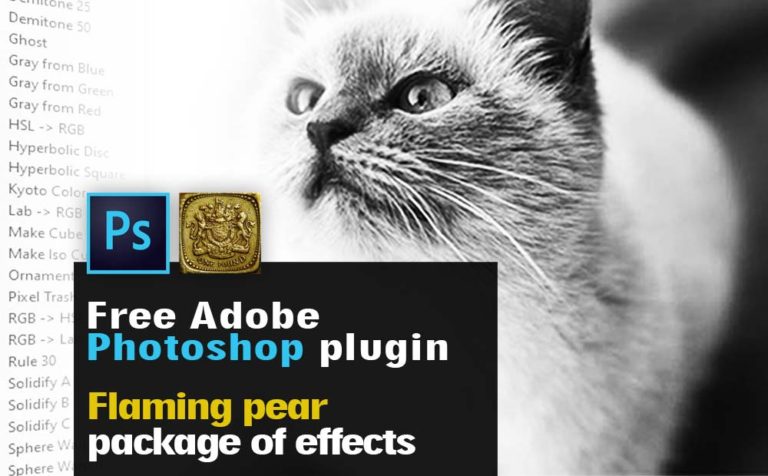
Flaming Pear Photoshop plugin (free package of effects)

Flaming pear plugin is a Free package of effects for Adobe Photoshop. It contains a lot of effects such as Ornament, ChromaSolarize, Tachyon, Ghost, Solidify, Vitriol, RGB/HSL, and much more. This post is more like to inform you about the plugin than teach you all the in and out of

use After Effects for image editing purpose instead of Photoshop

Use After Effects for image editing purpose instead of Photoshop

Another purpose of using After Effects besides Video editing, VFX, and Motion Graphics. By the way, it’s an amazing tool for all that kind of stuff, is to use as an image editing alternative. Using After Effects for image editing purposes it’s another way to go, instead of Photoshop, or

PIXLR EDIT YOUR IMAGE LIKE A PRO

PIXLR free image editing tool: EDIT YOUR IMAGES LIKE A PRO

Pixlr is a browser editing tool yet powerful. It’s free and it has a long-range of brushes, masks, filters, blending modes, and other advanced editing tools you may need or not. But they are good to be there. Pixlr free image editing tool can even replace in some way Photoshop