Category: 3D Art

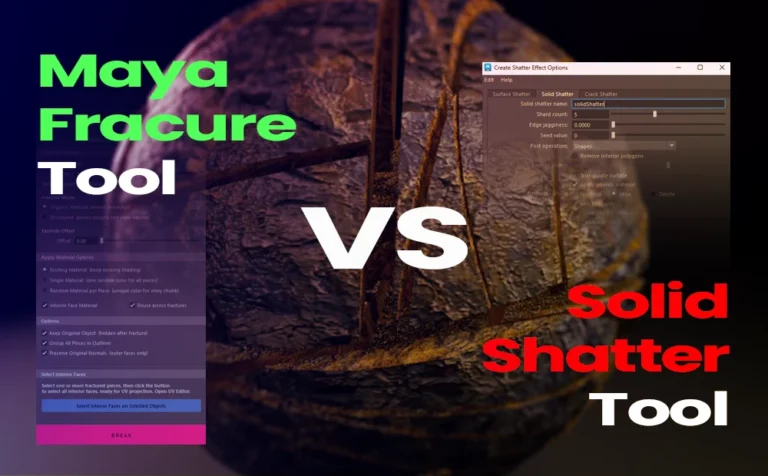
Comparison: Fracture Tool Vs Solid Shatter (built-in tool in Maya)

Let’s explore an in-depth comparison between the Fracture Tool and the Solid Shatter tool in Maya. Before diving into the comparison, I want to clarify that Solid Shatter (the built-in tool in Maya) is still a good and valid option for fracturing objects. However, it has a few limitations that

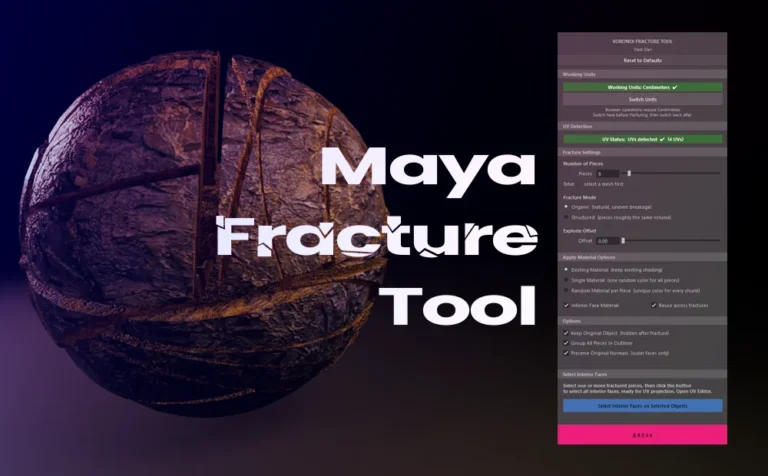
Maya Fracture Tool: BSP-Based Voronoi Fracturing

Breaking a mesh into pieces in Maya for a simulation or modeling purpose, it’s always fascinated me. Although the built-in shatter tool in Maya, didn’t meet my expectatios as a 3D Artist. So i decided to build my own Maya fracture tool. This fracture tool is design to break any

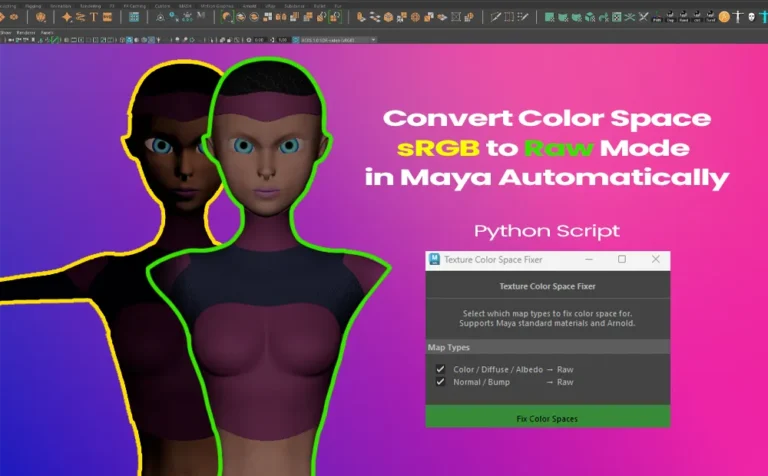
Convert a Color Space sRGB to Raw Mode in Maya Automatically

Convert a color space from sRGB to Raw mode in Maya automatically through this python script. The goal of this script is to switch the color space for the bump/normal texture maps from sRGB to Raw mode. Giving you also the option to do the same for the color texture

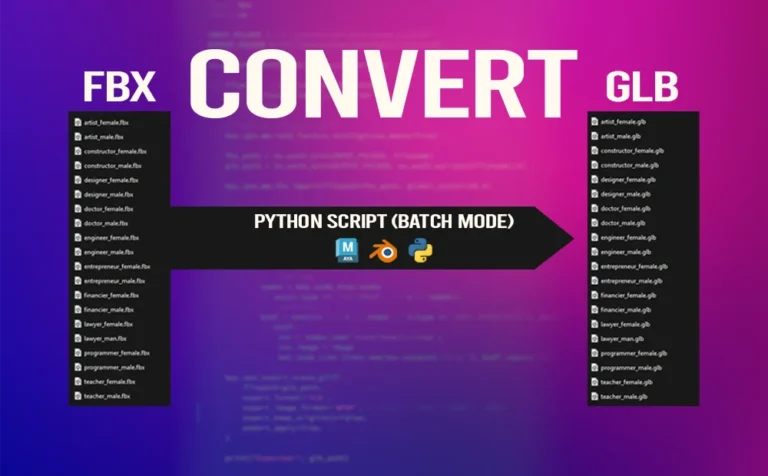
Batch Export Individual FBX with Python Script in Maya

Need to batch export your entire scene in Maya as individual FBX! This simple python script is one way to go. Just copy-paste the script and you are good to go. Let’s say you have a Maya scene with a lot of 3D objects. You can either export all those

Useful Maya Expressions for Image Sequence Control

Expressions in Maya is extremely useful for a lot of things. Using an image sequence is definitely an aspect you want to use expressions in Maya for better control and flexibility. In Maya, image sequences are typically loaded using a File texture node. After loading one image from the sequence,

How to Use Cryptomatte in V-Ray for Maya and After Effects

Integrating a Cryptomatte render pass in V-Ray for Maya is a life-changing improvement to your workflow. Giving you more precise control over your final 3D renders. Whether you’re rendering a still image or an animation, you’ll definitely appreciate the flexibility and speed that Cryptomatte brings to the post-processing stage. This

Retopology Tricks in Maya

Retopology Tricks in Maya

Retopology is a crucial process in 3D modeling, especially for 3D game assets, animation, and VFX. Maya offers an array of tools and workflows that significantly streamline the retopology process. In this article, we will explore some effective tricks to achieve clean and optimized topology. 1. Using the Remesh and

Batch Export FBX from Maya (Game Exporter)

Batch Export FBX from Maya (Game Exporter)

Batch export FBX from Maya can be a great and efficient process. Don’t waste time exporting a bunch of 3d assets manually. There is a better and more efficient way to do so. And the way to do that is with the built-in tool Game Exporter. FBX 3d files are

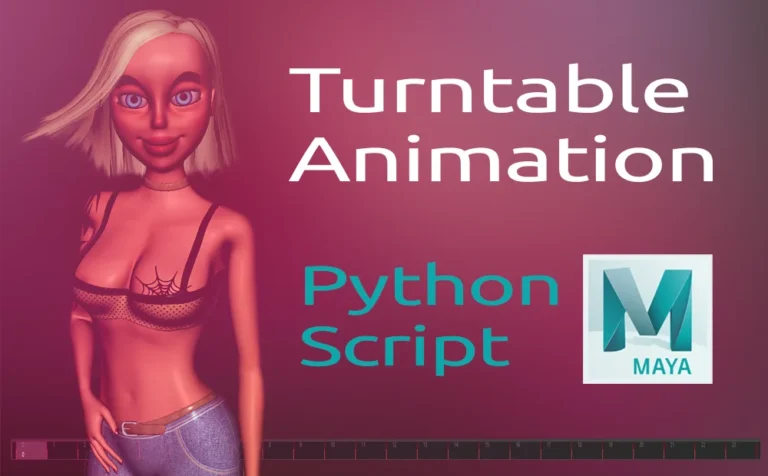
Create a Turntable Animation in Maya with Python Script

Create a Turntable Animation in Maya with Python Script

Create a turntable animation in Maya, is a lot faster if you use a python script to do so. The script has a UI with a few key options to play with. Creating a turntable animation in Maya is a great way to show off your 3D work. From 3D

Retopology Cartoon Head in Zbrush (Topology Brush)

Retopology Cartoon Head in Zbrush (Topology Brush)

Retopology cartoon head in Zbrush, can make the retopology process simple and fast. By using the topology brush in Zbrush, you can draw lines and that lines will determinate your new topology. Instead of creating retopology of one of your 3D character or probs, you can simple use the powerful

Retopology Cartoon Head in Maya (Quad Draw Tool) - thumbnail

Retopology Cartoon Head in Maya (Quad Draw Tool)

Retopology cartoon head in Maya with quad draw tool is making the process of retopology easy and intuitive. Retopology is the process of recreating by simplifying a high poly mesh into a lowpoly mesh. With more manageable topology and with better and proper edge flow. Basicaly, the end result is