Category: 3D Art

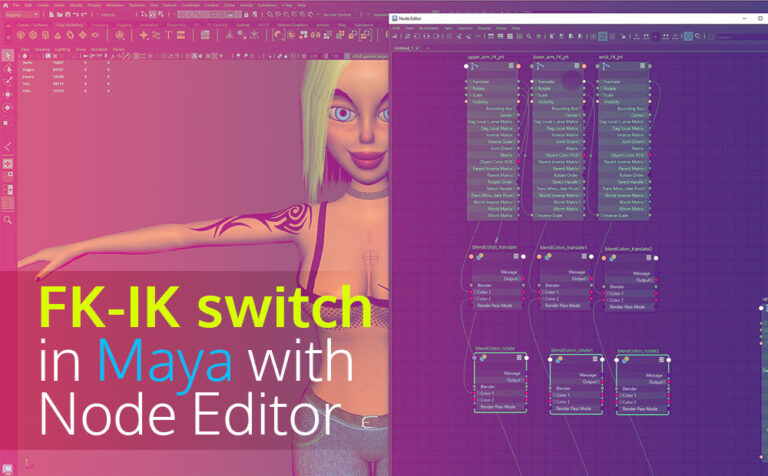
Create an FK-IK switch Arm in Maya with Node Editor

Create an FK-IK switch Arm in Maya with Node Editor

Creating an FK-IK switch arm in Maya with the Node Editor is not too complicated approach you can implement for your next character rigging project. In this article, we will demonstrate the FK-IK switch setup for the arm of our character. But make no mistake, the same principle can be

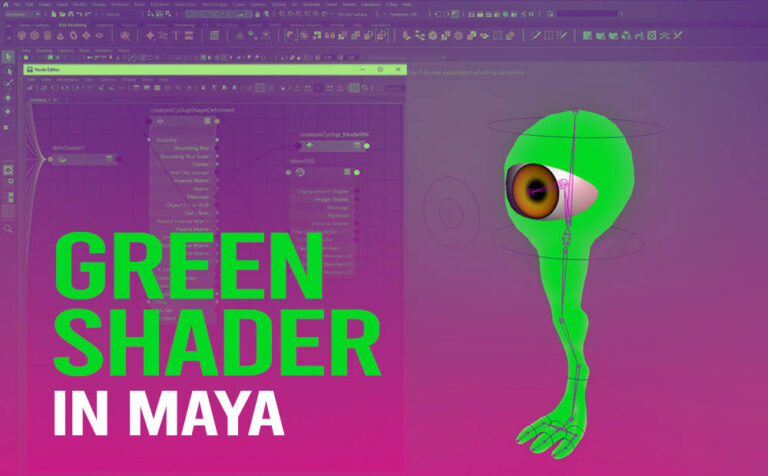
How to Fix Green Shader Issue in Reference Scene in Maya

How to Fix Green Shader Issue in Reference Scene in Maya

Fix the green shader issue in the reference scene in Maya, could be resolved pretty easily if we use the node editor, and make one connection. Basically what we need to do, in order to fix the green shader issue is to reconnect the shape-deformed node with the shader that

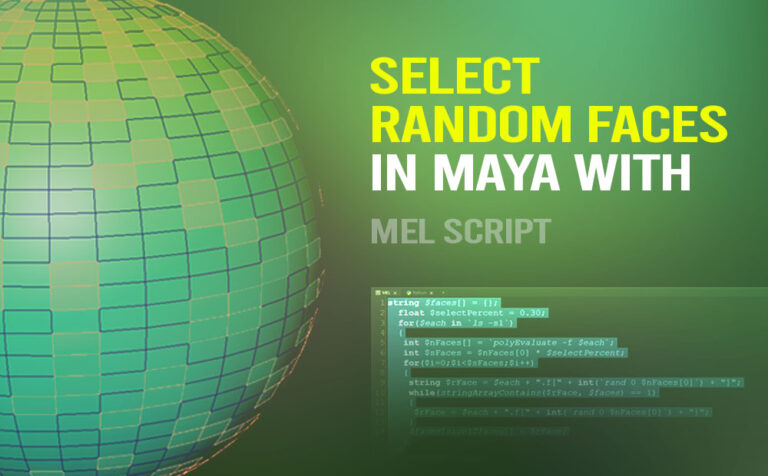
Select Random Faces in Maya with Mel Script

Select Random Faces in Maya with Mel Script

Select random faces in Maya is a very handy mel script tool. Since Maya doesn’t have any built-in tools for that purpose. This mel script is going to save us a lot of time. The Author of the script is Byterunner. Unfortunately, I haven’t found any other information, or links

General Tips and Tricks in Autodesk Maya

10 General Tips and Tricks in Autodesk Maya

Using general tips and tricks in Autodesk Maya can be very helpful. It could save you time and effort, and boost your productivity. In this article, we will cover 10 general tips and tricks in Maya. Here are all ten to make the navigation easier: Faster Loading of Maya: The

Assign a Material in Autodesk Maya (all the possible ways

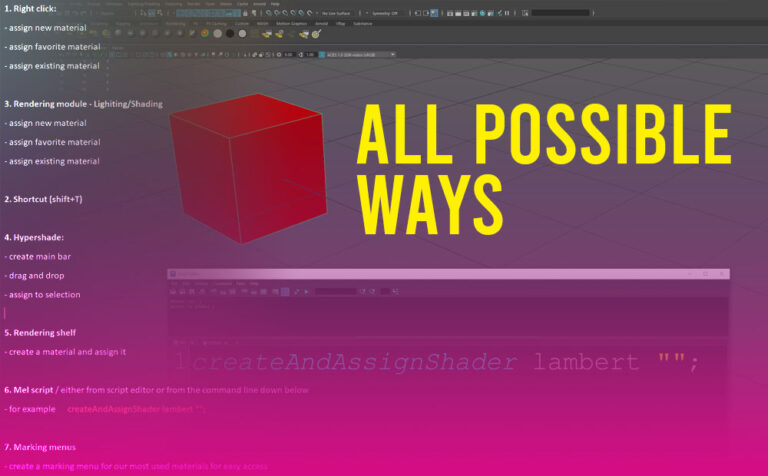
Create and Assign Material in Autodesk Maya (All Possible Ways)

Create a material in Maya can be done in lots of ways. We will cover all the possible ways. Since most of us (3D Artists) have our own ways of doing things in the 3D world, that suit our habits and routines it’s good to know that Maya has covered

Realistic tablecloth simulation in Maya (nCloth)

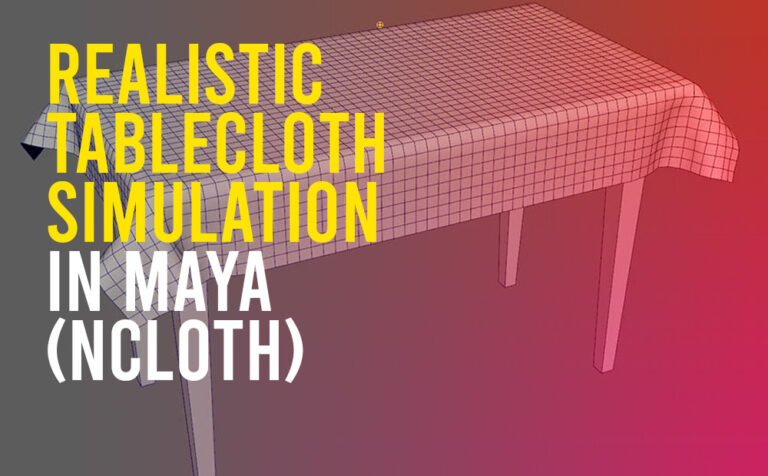
Realistic tablecloth simulation in Maya (nCloth)

Create a realistic tablecloth simulation in Maya with the power of the nCloth engine. Pretty easy and straightforward process that can anyone grasp in under a minute. For this to work we need only two things. We can use the same technique either for animation or modeling purposes. The animation

How to export an Ambient Occlusion texture map from Zbrush 4

How to export an Ambient Occlusion texture map from Zbrush

Exporting an ambient occlusion texture map from Zbrush and later on using that map to add more shadow details to your color texture map is a very good idea, and we should definitely have it under our belt. Ambient occlusion is a technique used to simulate subtle shadows that occur

Rendering shadows on transparent background in Maya-Vray

Rendering shadows on transparent background in Maya-Vray

Rendering shadows on a transparent background is a must-skill when using Vray in Maya for a lot of reasons, and it’s a very simple method to accomplish. A transparent background or an alpha channel basically, is an essential render element in the 3D rendering process. It allows us to integrate

Convert texture to geometry in Maya

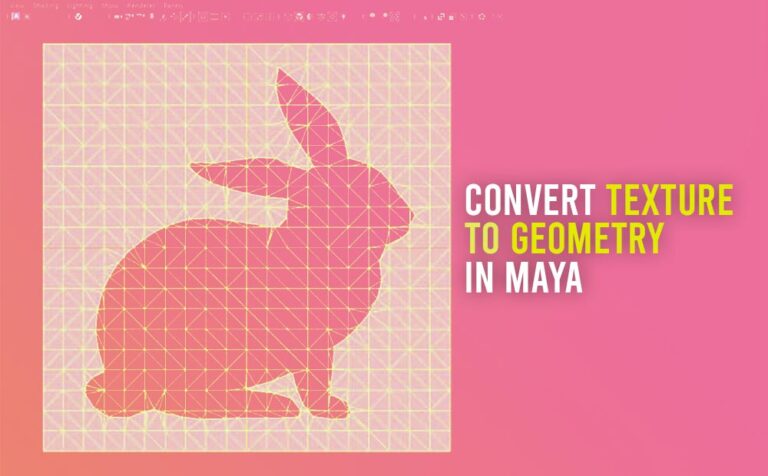
Convert texture to geometry in Maya

Converting a texture to geometry in Maya is an interesting technique we should definitely need to grasp, cause it saves us a lot of time, in the modeling process. The command is through Modify – Convert – Texture to Geometry. This technique allows us to apply an image texture to

Render an ambient occlusion (Dirt) render pass in Maya – Vray

Render an ambient occlusion (Dirt) render pass in Maya – Vray

Render an ambient occlusion pass in Maya and V-ray with a few simple steps. The ambient occlusion when using V-ray is called Dirt pass. Ambient occlusion is a technique used to simulate subtle shadows that occur between nearby objects. Basically, is a grayscale image that we can use as a