
How to Create and Export UV White Masks from Maya to Photoshop (V-Ray & Arnold)
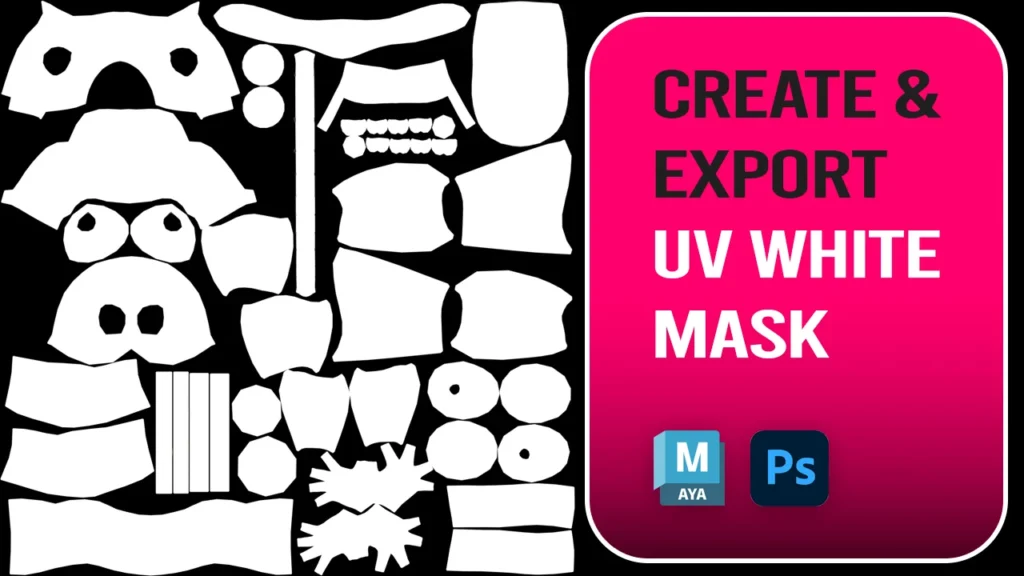
When working with 3D characters and textures, making adjustments to specific parts of a model can sometimes be time-consuming. Whether you want to change the skin colour, adjust the hue and saturation, or modify individual texture elements, having an easy way to isolate specific UV sections can make your workflow much faster. In this tutorial, […]
How to Use Cryptomatte in V-Ray for Maya and After Effects
Integrating a Cryptomatte render pass in V-Ray for Maya is a life-changing improvement to your workflow. Giving you more precise control over your final 3D renders. Whether you’re rendering a still image or an animation, you’ll definitely appreciate the flexibility and speed that Cryptomatte brings to the post-processing stage. This article will cover: We can […]
Render an ambient occlusion (Dirt) render pass in Maya – Vray
Render an ambient occlusion pass in Maya and V-ray with a few simple steps. The ambient occlusion when using V-ray is called Dirt pass. Ambient occlusion is a technique used to simulate subtle shadows that occur between nearby objects. Basically, is a grayscale image that we can use as a render pass in Editing Software […]
Add round edges in Maya (V-ray) without extra geometry
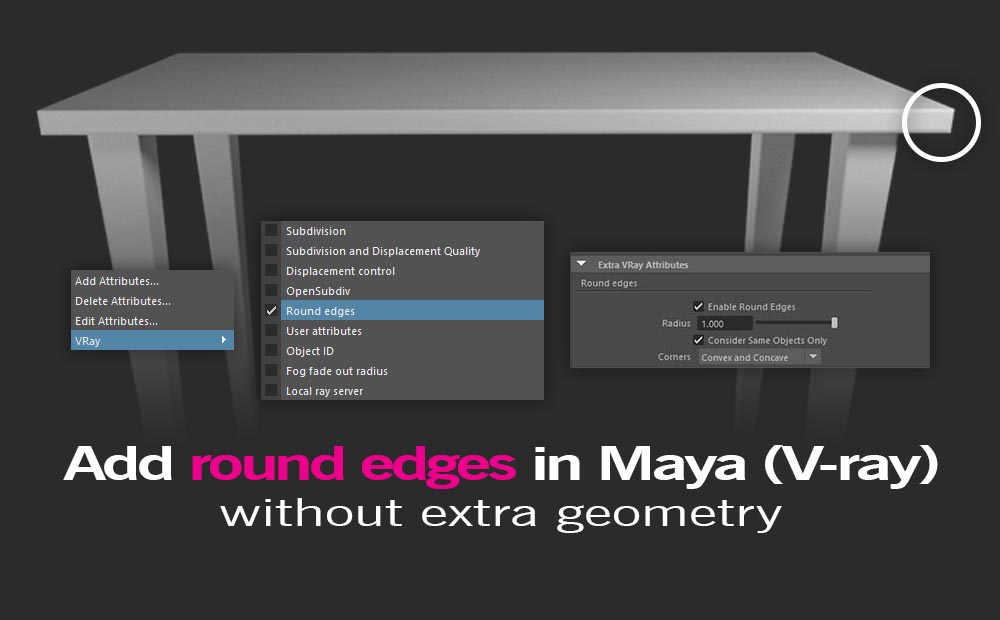
Round edges in Maya without actually adding extra geometry is a pretty cool thing you can accomplish with the help of V-ray renderer. Instead of adding extra geometry to make your hard edges rounds, you could just use a simple custom attribute (V-ray node) for that particular reason. Of course, this technique works only alongside […]