
Batch Resize Images with Command Line
Batch resize images when doing it manually is extremely tedious process. You can simplify the whole process with command line on Windows. If you have Adobe products on your PC, such as Adobe Bridge or Adobe Photoshop, the resize process is pretty straightforward. Feel free to take a look at those two previous articles about […]
Windows Taskbar on the Left Side of your monitor
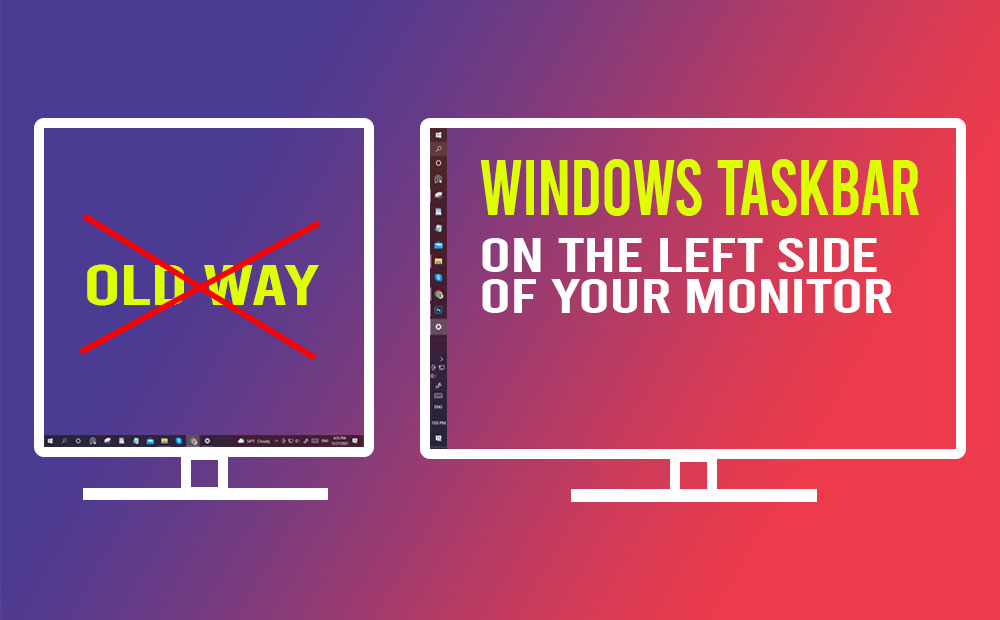
Why you should have Windows taskbar on the Left Side of your monitor. The simple answer is practicality, that’s the reason. Windows taskbar from the start has always had the taskbar at the bottom, at least to my knowledge. Back then, the aspect ratio of a monitor was a square one (1:1). So it was […]
7+ Taskbar Tweaker: How to Make Taskbar on Windows Vertical and Thinner
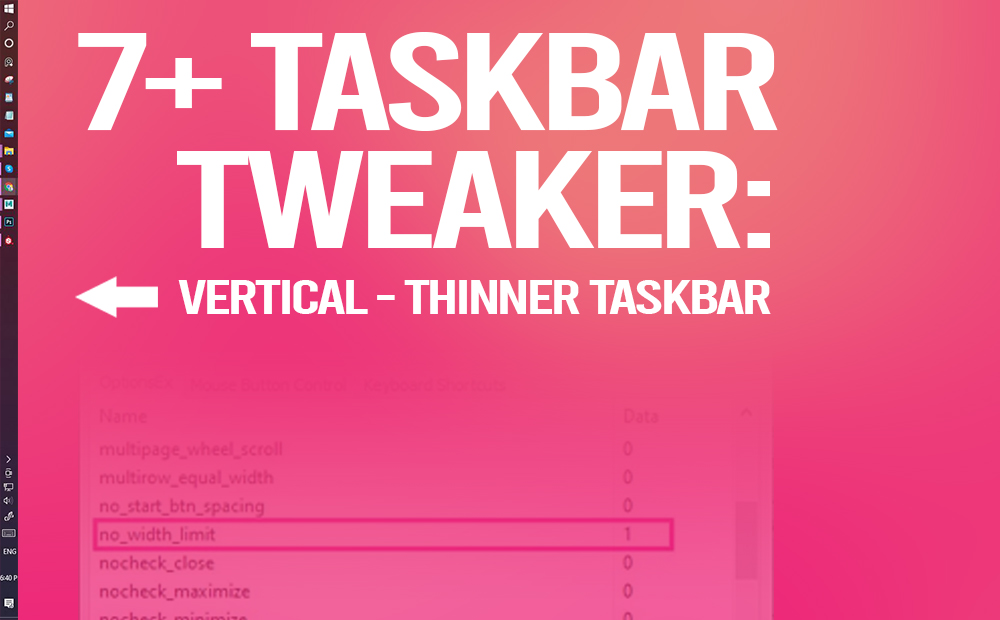
7+ taskbar tweaker is a great small piece of software. If you want a vertical thinner taskbar this is it, and it’s very easy to do it. Everybody is familiar with the taskbar on Windows right! If for some reason you aren’t, feel free to take a look for more info in general here. If […]