Category: 3D Art

How to Use Cryptomatte in V-Ray for Maya and After Effects

Integrating a Cryptomatte render pass in V-Ray for Maya is a life-changing improvement to your workflow. Giving you more precise control over your final 3D renders. Whether you’re rendering a still image or an animation, you’ll definitely appreciate the flexibility and speed that Cryptomatte brings to the post-processing stage. This

Retopology Tricks in Maya

Retopology Tricks in Maya

Retopology is a crucial process in 3D modeling, especially for 3D game assets, animation, and VFX. Maya offers an array of tools and workflows that significantly streamline the retopology process. In this article, we will explore some effective tricks to achieve clean and optimized topology. 1. Using the Remesh and

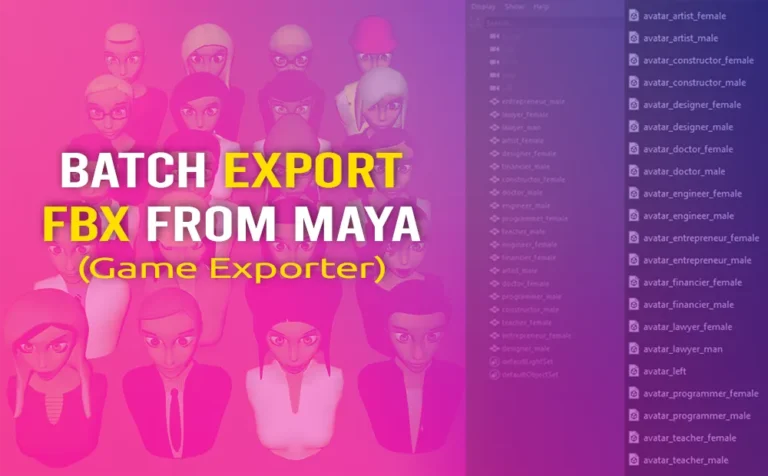
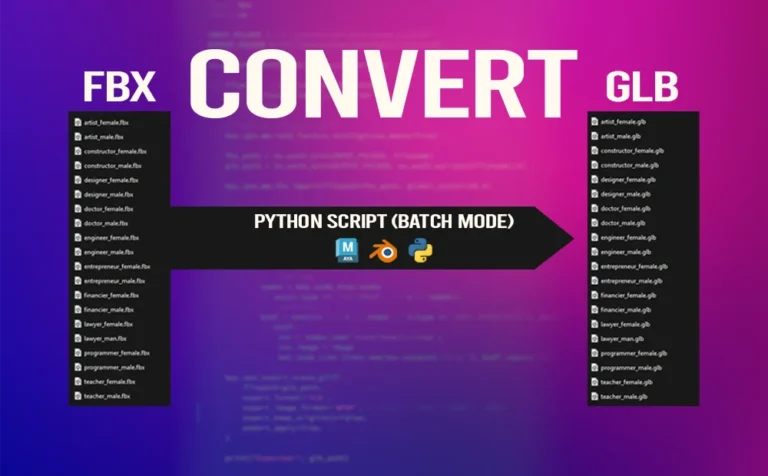
Batch Export FBX from Maya (Game Exporter)

Batch Export FBX from Maya (Game Exporter)

Batch export FBX from Maya can be a great and efficient process. Don’t waste time exporting a bunch of 3d assets manually. There is a better and more efficient way to do so. And the way to do that is with the built-in tool Game Exporter. FBX 3d files are

Create a Turntable Animation in Maya with Python Script

Create a Turntable Animation in Maya with Python Script

Create a turntable animation in Maya, is a lot faster if you use a python script to do so. The script has a UI with a few key options to play with. Creating a turntable animation in Maya is a great way to show off your 3D work. From 3D

Retopology Cartoon Head in Zbrush (Topology Brush)

Retopology Cartoon Head in Zbrush (Topology Brush)

Retopology cartoon head in Zbrush, can make the retopology process simple and fast. By using the topology brush in Zbrush, you can draw lines and that lines will determinate your new topology. Instead of creating retopology of one of your 3D character or probs, you can simple use the powerful

Retopology Cartoon Head in Maya (Quad Draw Tool) - thumbnail

Retopology Cartoon Head in Maya (Quad Draw Tool)

Retopology cartoon head in Maya with quad draw tool is making the process of retopology easy and intuitive. Retopology is the process of recreating by simplifying a high poly mesh into a lowpoly mesh. With more manageable topology and with better and proper edge flow. Basicaly, the end result is

Create Automatic FK Controls for Joints in Maya

Create Automatic FK Controls for Joints in Maya

Create automatic FK controls for joints in Maya, an intuitive python script with UI to simplify your rig workflow. It’s completely free and you should definetly try it. This script is an upgrate, that has a UI for easely change the type of constrains and also has a slider to

Create Randomly Duplicate Objects with Python Script in Maya

Create Randomly Duplicate Objects with Python Script in Maya

Create randomly duplicate objects in Maya with python script generated from chatGPT. I wish this functionality was a buit-in feature in Maya. Trust me, you are going to love it. Even though Maya has a similar built-in feature “Duplicate Special“, it won’t given the same results, not even close. It

E:\Vladi\inspireme.blog\post\HowTo_posts\138_Substance Painter Crash During Geometry Replacement

Substance Painter Crash During Geometry Replacement

Substance Painter crash during geometry replacement, can be a really annoying thing. One reason for that could be, an outdated graphic card, or just a low capable one. This article will be a very short one, but I think it will definitely help those with similar issue. When we want

Select Random Faces in Maya with Python Script from ChatGPT

Select Random Faces in Maya with Python Script from ChatGPT

Select random faces in Maya with Python script with a percentage slider that can speed up your workflow. This Python script has been generated with chatGPT by a few prompts. In a previus article we explored how to select random faces in Maya with a mel script. That script eventhough

The Right Way to Set Keys in Maya

The Right Way to Set Keys in Maya

The right way to set keys in Maya, will make your life much easier later on. Either in the refine timing stage/interpolation or if you plan to key bake simulation in order to export to a game engine such as Unity. Settings keys in Maya is fundamental skill for animators.