
10 General Tips and Tricks in Autodesk Maya
Using general tips and tricks in Autodesk Maya can be very helpful. It could save you time and effort, and boost your productivity. In this article, we will cover 10 general tips and tricks in Maya. Here are all ten to make the navigation easier: Faster Loading of Maya: The first general tips and tricks […]
Create and Assign Material in Autodesk Maya (All Possible Ways)
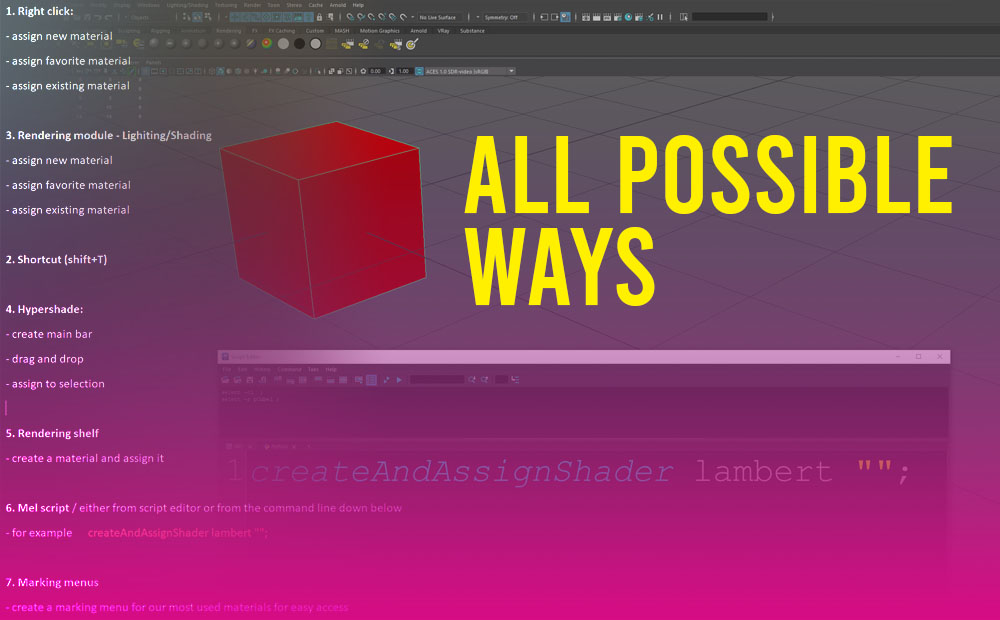
Create a material in Maya can be done in lots of ways. We will cover all the possible ways. Since most of us (3D Artists) have our own ways of doing things in the 3D world, that suit our habits and routines it’s good to know that Maya has covered us. You can watch the […]
Realistic tablecloth simulation in Maya (nCloth)
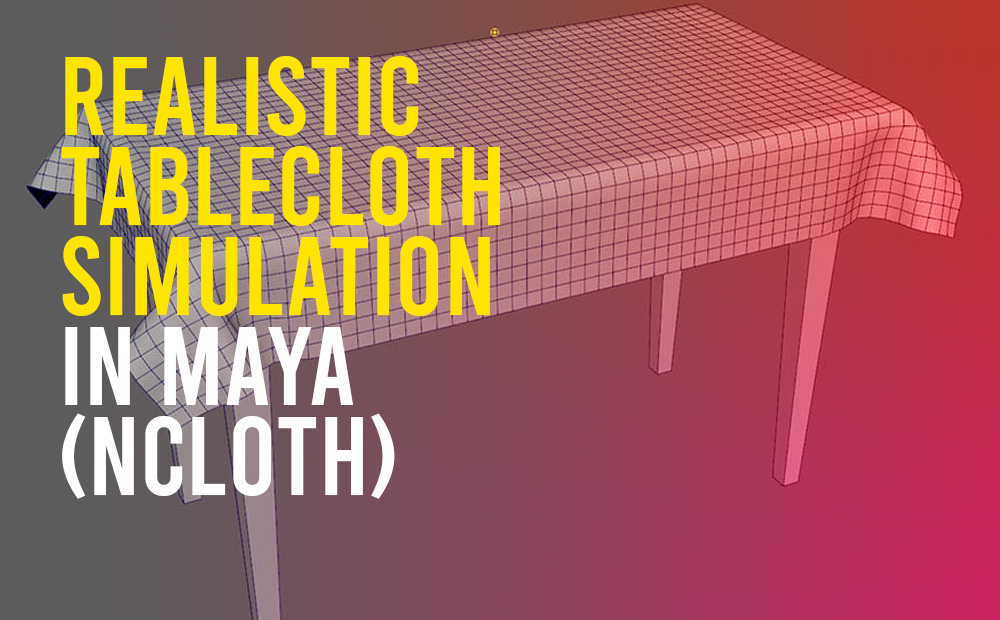
Create a realistic tablecloth simulation in Maya with the power of the nCloth engine. Pretty easy and straightforward process that can anyone grasp in under a minute. For this to work we need only two things. We can use the same technique either for animation or modeling purposes. The animation use case is pretty much […]
How to export an Ambient Occlusion texture map from Zbrush
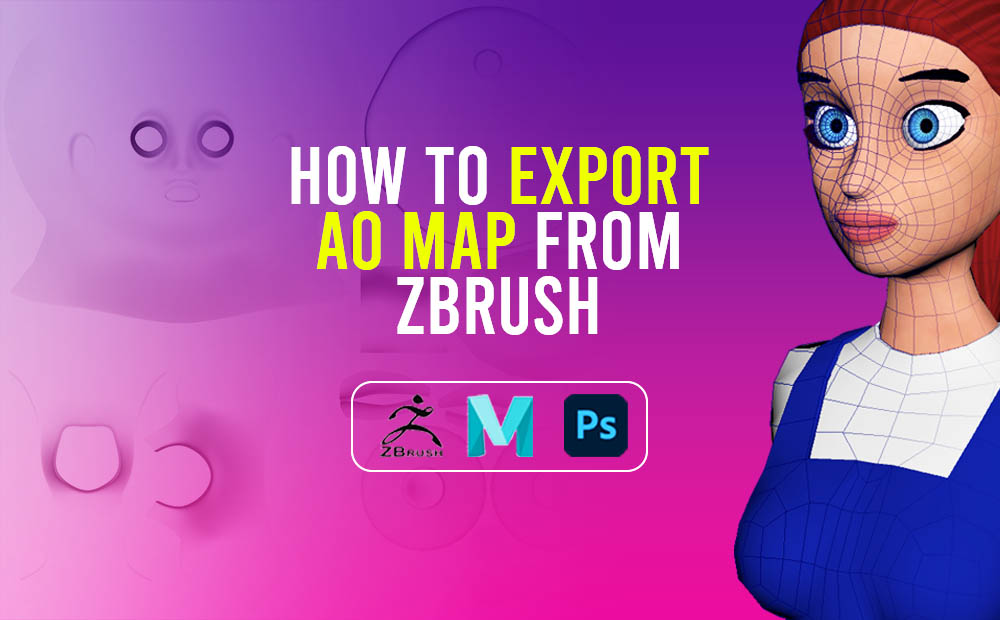
Exporting an ambient occlusion texture map from Zbrush and later on using that map to add more shadow details to your color texture map is a very good idea, and we should definitely have it under our belt. Ambient occlusion is a technique used to simulate subtle shadows that occur between nearby objects. Basically, is a […]
Convert texture to geometry in Maya
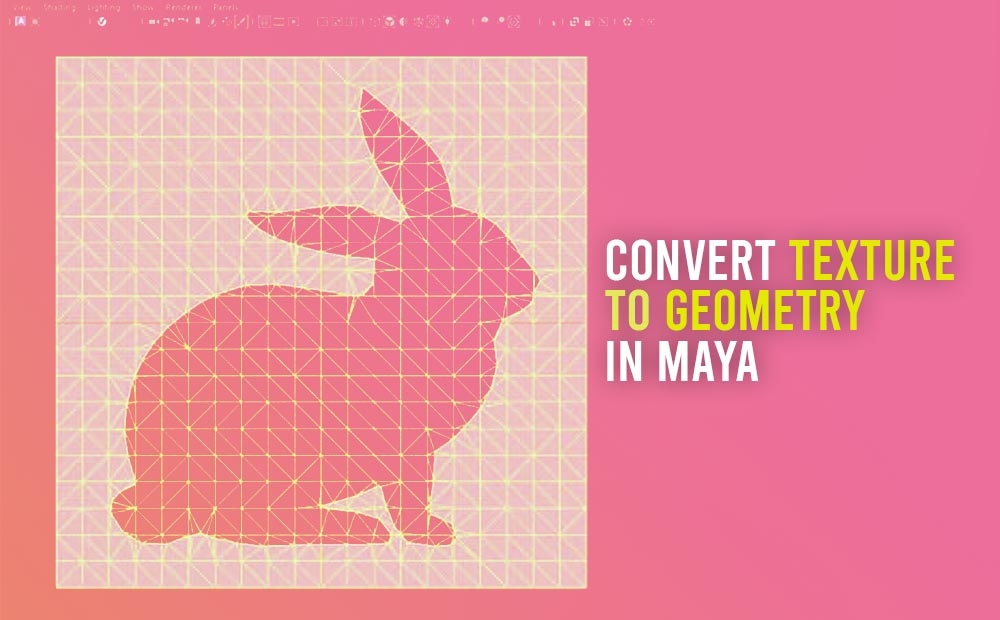
Converting a texture to geometry in Maya is an interesting technique we should definitely need to grasp, cause it saves us a lot of time, in the modeling process. The command is through Modify – Convert – Texture to Geometry. This technique allows us to apply an image texture to a plane geometry and then […]
Export separate light render pass in Maya with V-Ray renderer
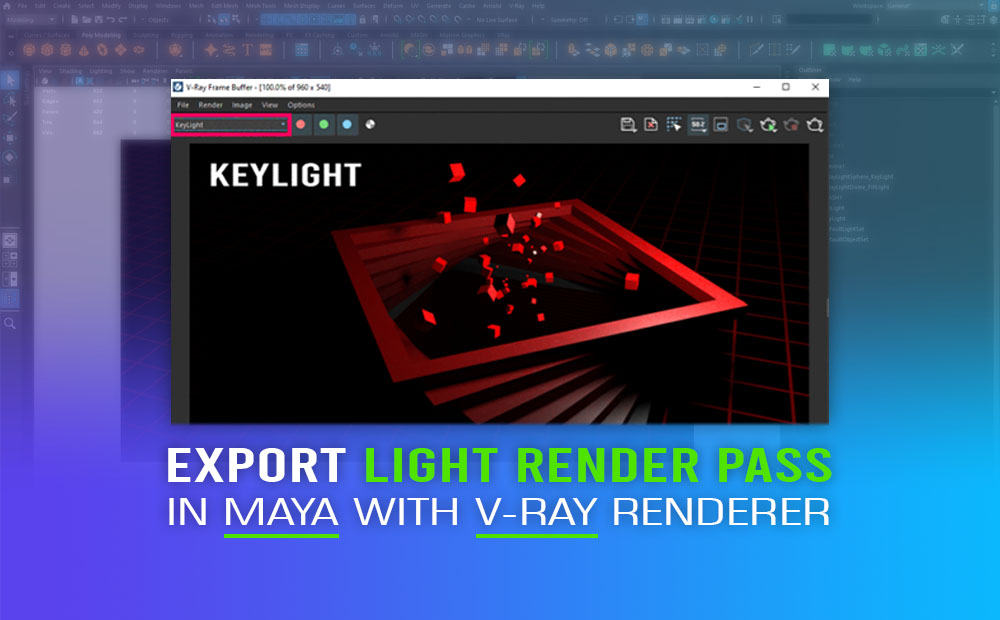
Export separate light render pass in Maya with V-ray renderer, in that way we have much more control over the lighting on our scene in Maya, during the post-production process to make all the extra adjustments we need, for fine-tuning our final output. Lighting is an essential part of any 3D scene. To put it […]
How to create a turntable in Maya
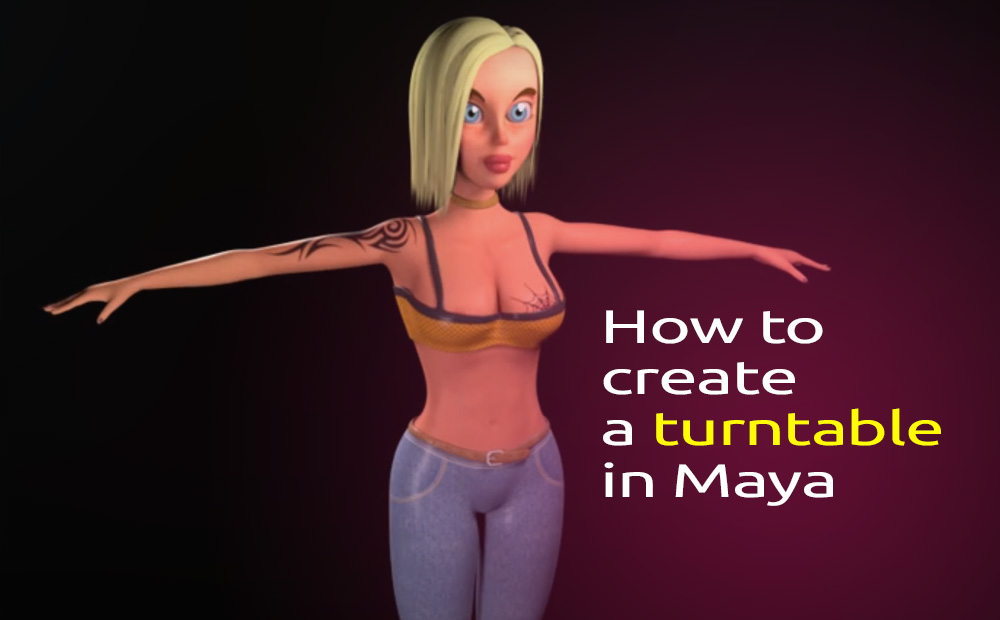
How to create a turntable in Maya for a 3D character for presentation purposes. simple steps you can follow through. Since this article is more from a technical perspective, for how you basically create a turntable in Maya, I won’t go into much detail about the renderer and the lighting I have used for exporting […]
How to delete all bindpose and re-create a new one in Autodesk Maya
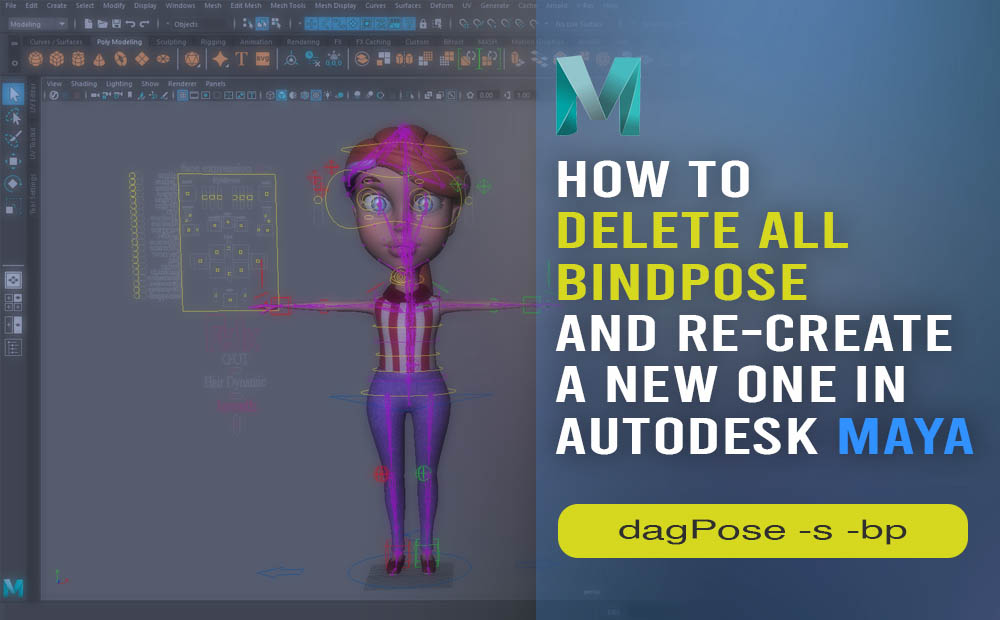
Delete multiple bindpose nodes and re-create a single one in Autodesk Maya, with a single small line of code. This technique is extremely easy to apply. No need for professional coding skills, just a simple understanding of nodes and general stuff in Maya. You can also watch a Youtube video I prepared about this technique: […]
How to bake Ambient Occlusion texture map in Maya – Vray

Bake Ambient Occlusion in Maya with the help of Vray renderer is an interesting technique you should have under your belt. The process is quite simple, it can add an extra level of detail to your color map textures. You can take advantage of ambient occlusion texture maps to make your models more realistic, either […]
Faster loading Autodesk Maya by unloading unnecessary plugins
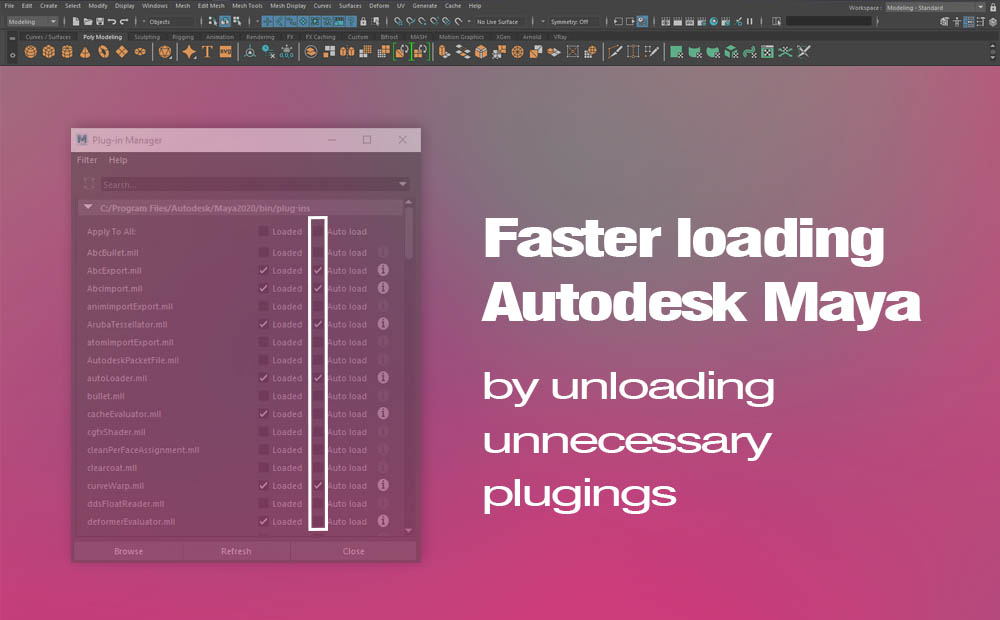
Faster loading Maya application can be achieved by unloading unnecessary plugins. Plugins that you don’t use in normal circumstances or at least all the time. And I assume Autodesk Maya has a lot of them on its plugin manager. And I know, the time we are saving ourselves by doing so, is not much, but […]
Add round edges in Maya (V-ray) without extra geometry
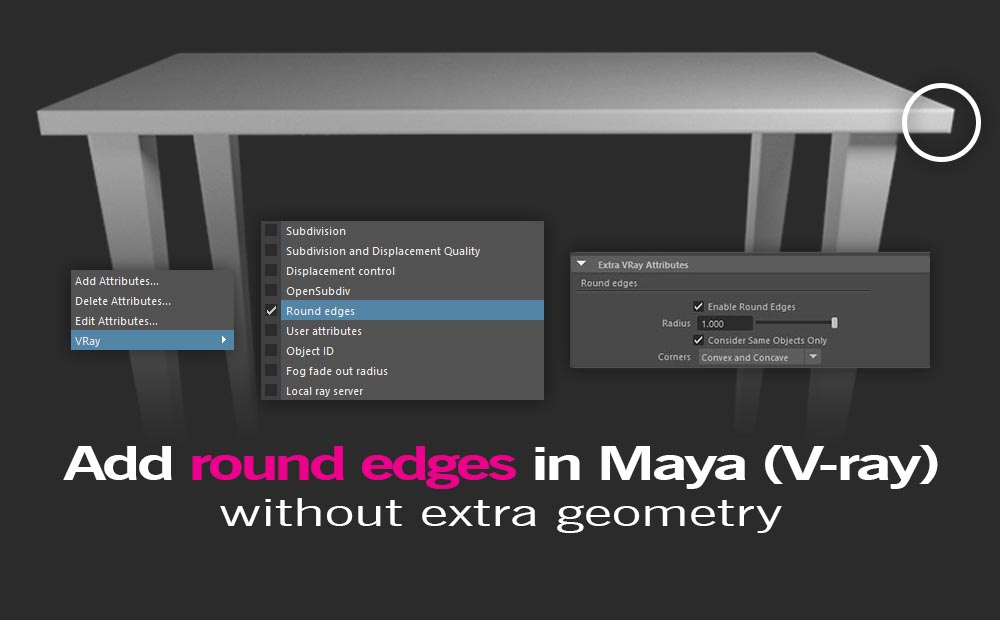
Round edges in Maya without actually adding extra geometry is a pretty cool thing you can accomplish with the help of V-ray renderer. Instead of adding extra geometry to make your hard edges rounds, you could just use a simple custom attribute (V-ray node) for that particular reason. Of course, this technique works only alongside […]