Category: 3D Art

Quick Unwrap a head in Zbrush (UV Master) with control painting

Quick Unwrap a head in Zbrush (UV Master) with control painting

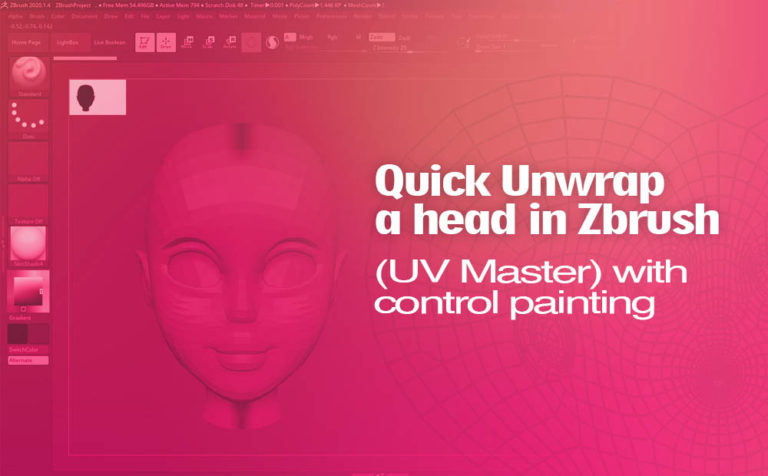
Quick unwrap a head in Zbrush with a few strokes. Using tools like UV Master in Zbrush and taking advantage of control painting inside it, you can accomplish pretty decent results with a little effort. This technique is pretty easy and although it does not have the best results like

Use of import Adobe Illustrator files into Autodesk Maya

Use of import Adobe Illustrator files into Autodesk Maya

Import Illustrator files into Maya with ease, with the built-in Adobe Illustrator object tool in Maya. The tool provides you an easy integration between those two pieces of software. What the Adobe Illustrator object tool in Maya does, is basically take the curves vector path from the Illustrator files and

Unwrap a head in Maya with auto unwrap UVs tool (bonus tools)

Unwrap a head in Maya with auto unwrap UVs tool (bonus tools)

Unwrap a head in Maya is an extremely easy process when you make use of the auto unwrap UVs tool from the bonus tools provided by Autodesk for free. With the auto unwrap UVs tool you can achieve with a few clicks a pretty decent head unwrap result in Maya.

How to create waving flag animation (nCloth) in Autodesk Maya

How to create waving flag animation (nCloth) in Autodesk Maya

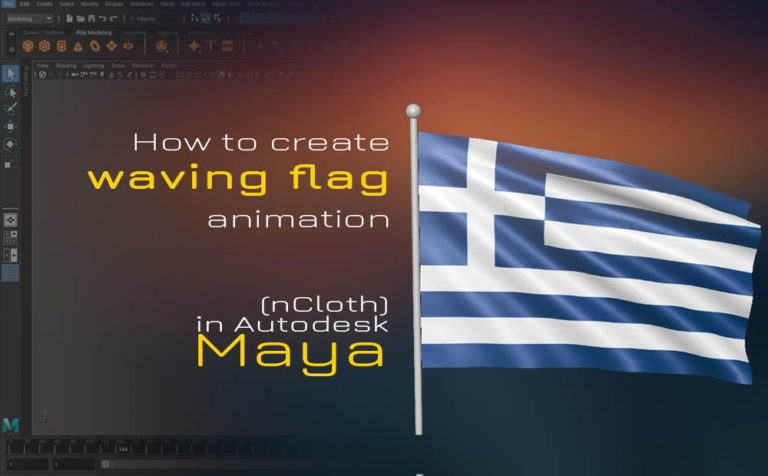
Waving flag in Maya with nCloth build-in system is a simple technique you can accomplish in a matter of seconds. You can use this technique for other concepts such as curtains or really any fabric material. nCloth in Maya is really powerful. On top of that inside Maya, you have

3D render with Photoshop (export from Maya and import in Photoshop)

3D render with Photoshop (export from Maya and import in Photoshop)

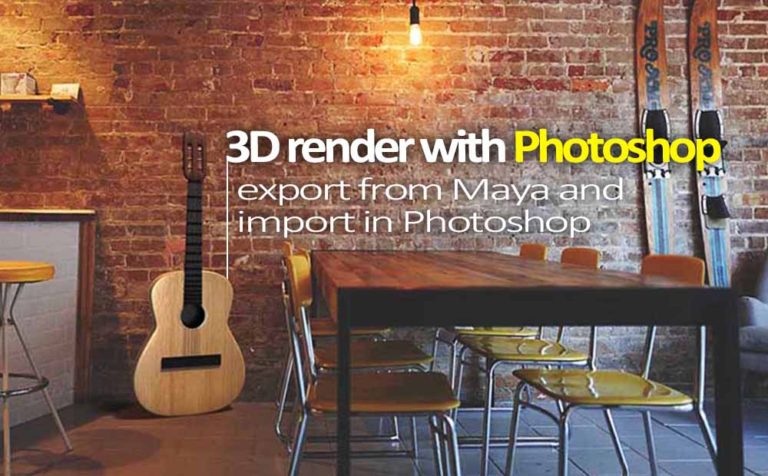
3D render with Photoshop, that sounds interesting, right! You can import, make adjustments and render 3D models with a few clicks inside Photoshop. We are going to export a simple guitar 3D model from Maya into Photoshop. After that, we will make some changes in a couple of levels such

Create facial GUI controls with free mel script in Maya

Create facial GUI controls with free mel script in Maya

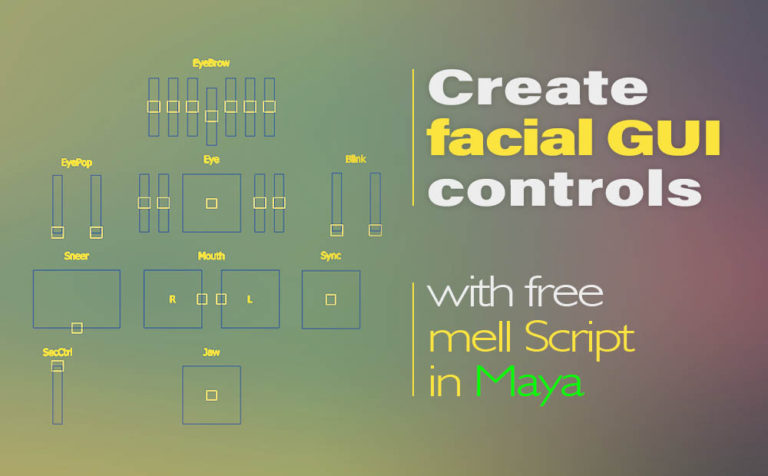
Create facial GUI (Graphic User Interface) controls with this awesome and free Mel script in Maya. Make your custom facial controllers with a few clicks. If you are doing a lot of custom facial rigging in Maya, you should definitely take a look at this Mel script. Download the Mel

Put a Mel Python script on a Shelf in Maya for easy access

Put a Mel / Python script on a Shelf in Maya for easy access

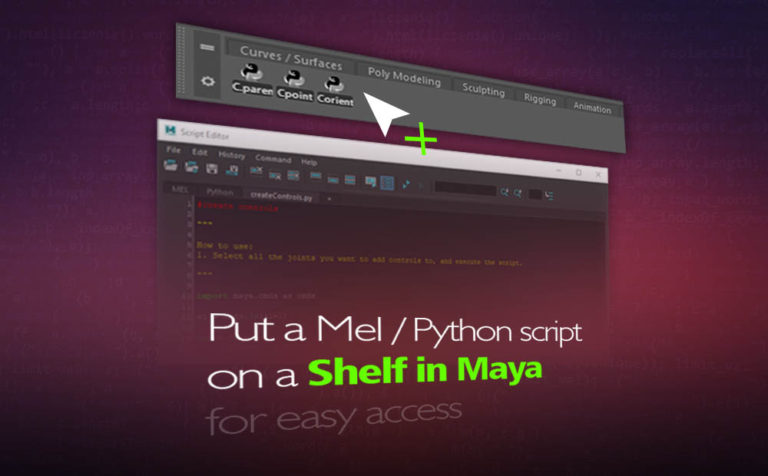
A good and easy way to reuse a script, either a Mel or Python script is to put them on a shelf in Maya. You could also make variations of a script and put all variations on a shelf in Maya. The main reason is when you need a particular

Create auto rig controls in Maya with free Python script

Create auto rig controls in Maya with free Python script

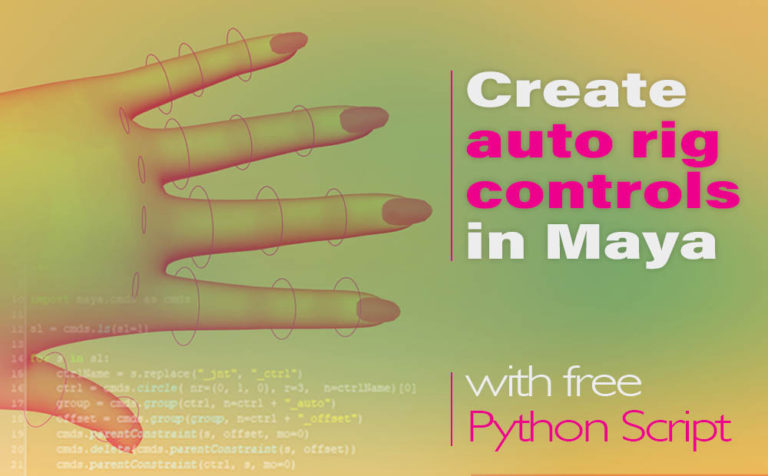
Create auto rig controls in Maya with this free Python script. This script creates automatic controllers for your selected joints in Maya. As you can imagine you can save a lot of time, creating the controllers for your joints in Maya by using this automatic script. It’s a complete time-saver

Create a mockup for your business card presentation with Autodesk Maya

Creating mockup 3d in Maya – Photoshop for your business card

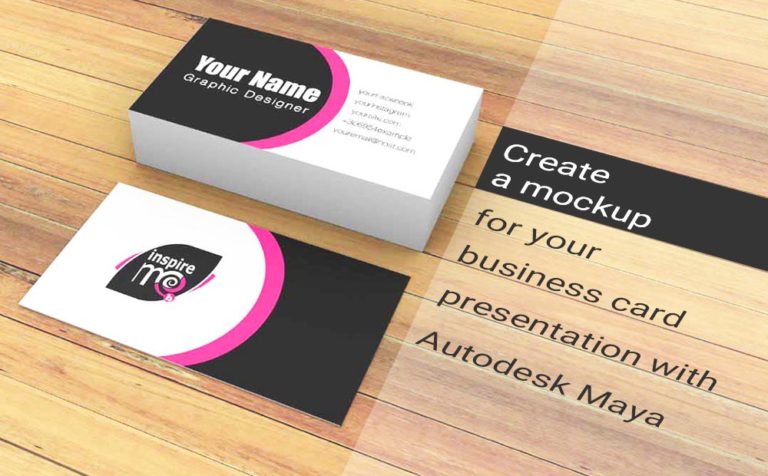
Creating mockup 3d in Maya for your business card presentation. The final step of the mockup will take place in Adobe Photoshop. In this post we are going to learn a few things about mockups in general and mostly how we can create a mockup for a business card with

How to generate random instancer particle in Maya_NEW

How to generate random particle instancer in Maya

Generate random particle instancer in Maya with a few steps. It’s a really powerful technique and pretty simple. All you have to do is to write a simple expression and connect a parament to it. Dynamics in Maya are quite interesting and easy to produce in a way. One of