Category: Graphic Design

How to import multipage PDF in InDesign (builtin script)

How to import multipage PDF in InDesign (builtin script)

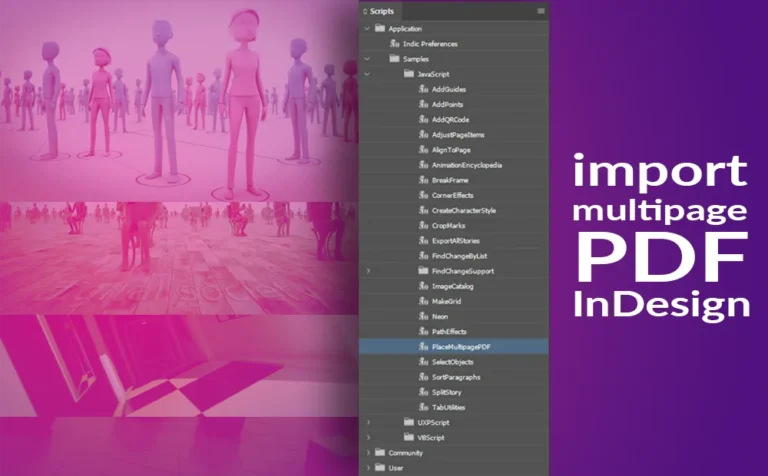
Import a multipage PDF file in Adobe InDesign by using a builtin script. This script allows us to place a multipage PDF into our project with ease. Unfortunately by default, Adobe InDesign doesn’t have an option to import a multipage PDF into our project. If we select a multipage PDF
Using Generative Recolor in Adobe Illustrator

Using Generative Recolor in Adobe Illustrator (AI tool)

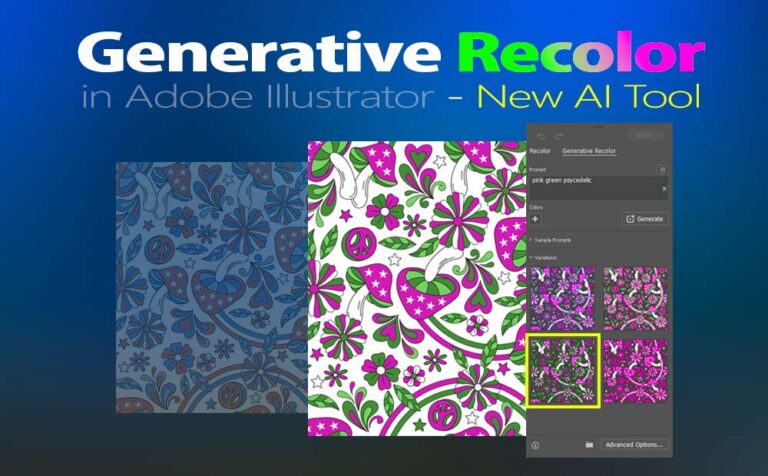
Using generative recolor in Illustrator is a really fast and funny way to recolor our outwork, like never before. Is a new AI tool, that is going to make our life easier. Even though at this point is not perfect, I am pretty sure giving it time, it will be

How to create a custom pattern in Illustrator

How to create a custom pattern in Illustrator

How to create a custom pattern in Illustrator with a few simple steps. Patterns basically are essential to any graphics-related professional. They are quite straightforward to create, and we should definitely have them under our creative belt. If you are interested in how to create a pattern in Adobe Photoshop,

How to make a pattern in Photoshop

How to make a pattern in Photoshop

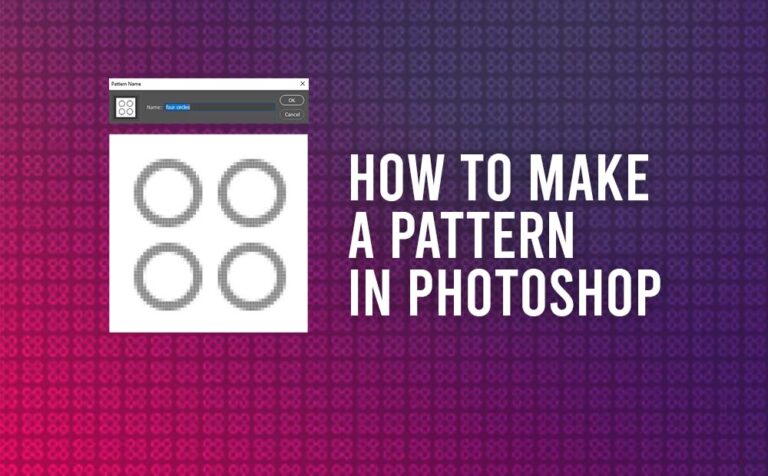
Making a pattern in Photoshop is quite a simple method, we can achieve it with a few simple steps. It’s a quite useful skill for all kinds of designers and artists. Patterns give complexity to graphics and we should use them when it’s needed. We can use patterns in a

How to divide objects in Illustrator

How to divide objects in Illustrator

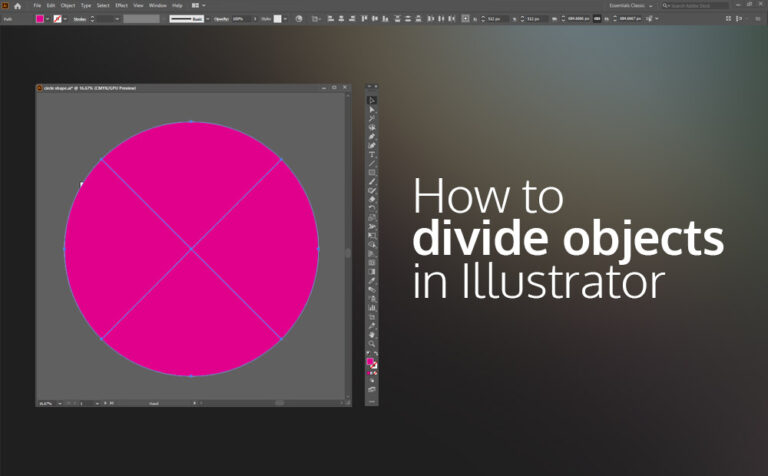
Divide objects in Illustrator can be accomplished pretty easily with the command Divide objects below. Dividing objects in Illustrator is quite a simple process, which can be used to just divide a shape, or to create more complex and sophisticated shapes. We can have access to the divide object tool

How to use Envelope distort in illustrator (mesh grid)

How to use Envelope distort in illustrator (mesh grid)

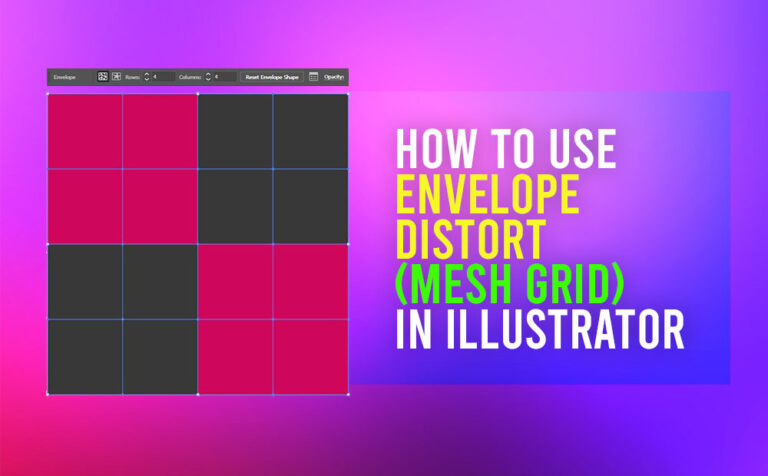
Envelope distort in Illustrator is a great tool, that we can apply to both vector and bitmap elements. Distort or reshape any selected objects, or a group of them. Adobe Illustrator has many great features we can use in order to create our next awesome project. One of them is

How to Recolor Artwork in Illustrator

How to Recolor Artwork in Illustrator

Recolor artwork in Illustrator is an extremely helpful tool that Adobe has provided to their users. With a few clicks, we can completely recolor our artwork. It doesn’t matter how many colors our artwork has, the recolor tool will make the process quite fan and easy. Of course, is not

Adobe Illustrator Export Image_Dimensions off by 1 pixel

Adobe Illustrator Export Image: Dimensions off by 1 pixel

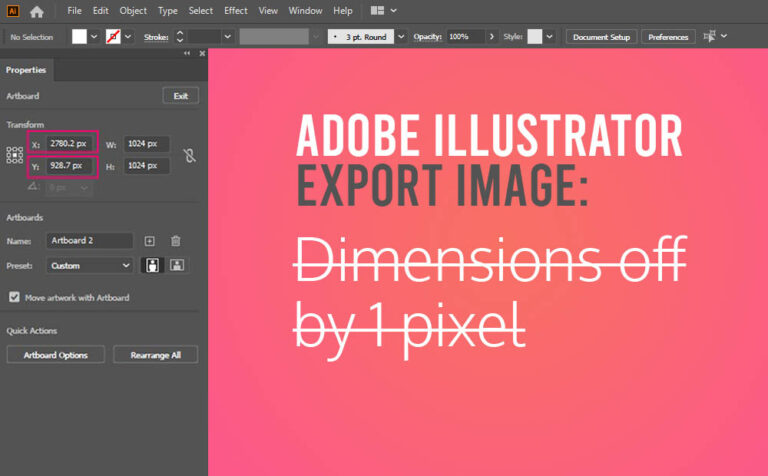
Dimensions off by 1 pixel in Adobe Illustrator, when you export an image, can be a really easy fix. No more post-resize work in Photoshop or anywhere else, in order to have the right dimensions. Assumed, we have set the dimensions of our artboard in Illustrator correctly. This is a

Adding fonts to Adobe Photoshop on Windows

Adding fonts to Photoshop on Windows

Adding fonts to Photoshop on a Windows operation system, even though is an easy way, many people can struggle how to do it. Adding interesting typography elements to your project it’s always a good idea, obviously for numerous reasons. If you are interested to add new unique fonts to your

Smart objects in Photoshop - Creating a Mockup

Smart objects in Photoshop – Creating a Mockup

With smart objects in Photoshop, you can do a lot of things, like working with vector graphics, making nondestructive transforms, and adding filtering quicker, are few of them. Smart objects in Photoshop can be extremely helpful in your workflow. When you download a mockup for Photoshop, 99% of the creators

Create dynamic round corner icons in Photoshop

Create rounded corner icons in Photoshop (Clipping Mask)

Create rounded corner icons in Photoshop in a dynamic way. The dynamic part is for adjusting the roundness of the icons with ease. In this article, we are going to see, how we can create dynamic rounded corner icons, which we can adjust the roundness accordingly to our needs at