
How to make a pattern in Photoshop
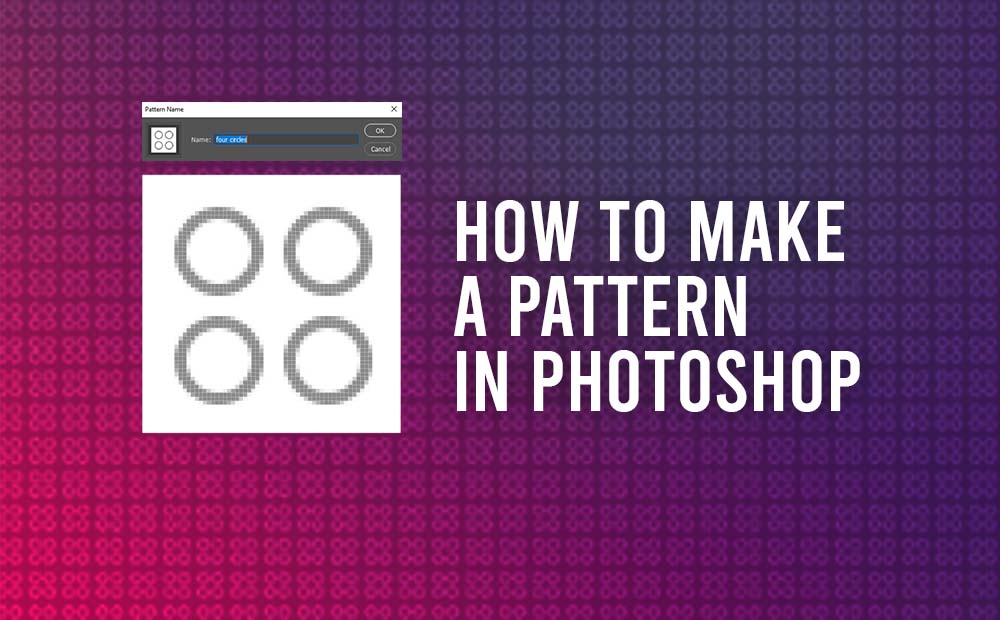
Making a pattern in Photoshop is quite a simple method, we can achieve it with a few simple steps. It’s a quite useful skill for all kinds of designers and artists. Patterns give complexity to graphics and we should use them when it’s needed. We can use patterns in a variety of ways, from just […]
How to divide objects in Illustrator
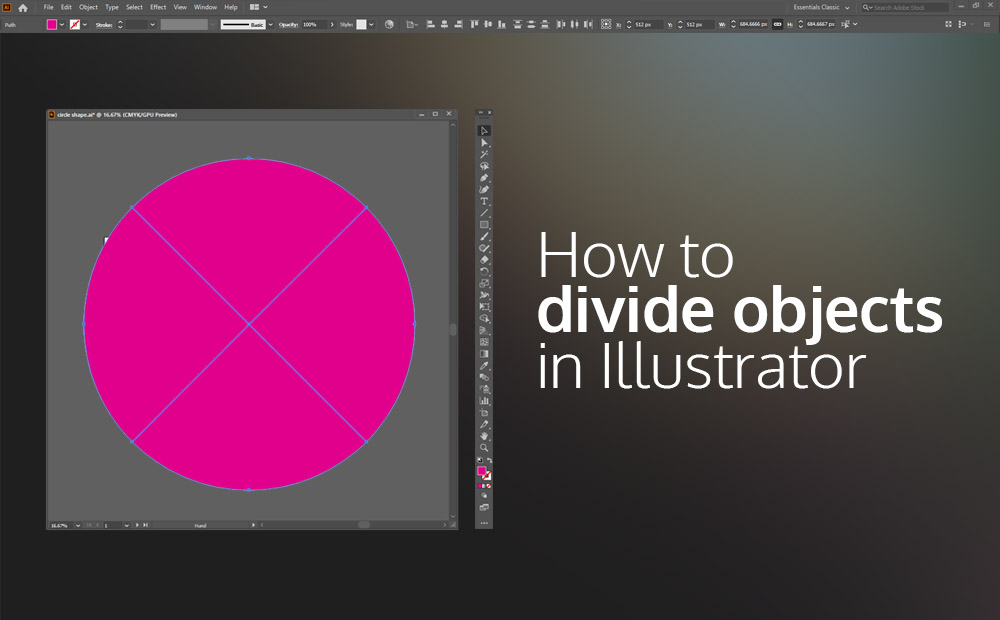
Divide objects in Illustrator can be accomplished pretty easily with the command Divide objects below. Dividing objects in Illustrator is quite a simple process, which can be used to just divide a shape, or to create more complex and sophisticated shapes. We can have access to the divide object tool by going to Object – […]
How to use Envelope distort in illustrator (mesh grid)
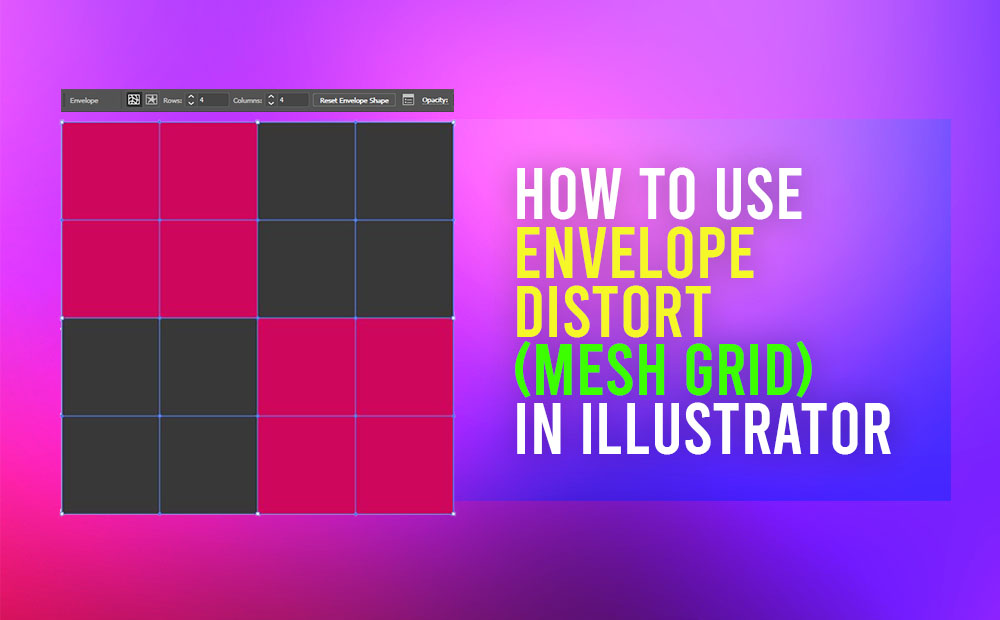
Envelope distort in Illustrator is a great tool, that we can apply to both vector and bitmap elements. Distort or reshape any selected objects, or a group of them. Adobe Illustrator has many great features we can use in order to create our next awesome project. One of them is the envelope distort tools. Basically, […]
How to Recolor Artwork in Illustrator
Recolor artwork in Illustrator is an extremely helpful tool that Adobe has provided to their users. With a few clicks, we can completely recolor our artwork. It doesn’t matter how many colors our artwork has, the recolor tool will make the process quite fan and easy. Of course, is not a completely automatic process. Whether […]
Render an ambient occlusion (Dirt) render pass in Maya – Vray
Render an ambient occlusion pass in Maya and V-ray with a few simple steps. The ambient occlusion when using V-ray is called Dirt pass. Ambient occlusion is a technique used to simulate subtle shadows that occur between nearby objects. Basically, is a grayscale image that we can use as a render pass in Editing Software […]
The search tool in Maya

The search tool in Maya is finally a reality. It’s really a handy feature, that can boost your efficiency when working in Maya. Now that Maya has it, it’s really hard for me to remember the days it wasn’t an option. It really feels like a revelation to me. Let me explain. As we all […]
Adobe Illustrator Export Image: Dimensions off by 1 pixel
Dimensions off by 1 pixel in Adobe Illustrator, when you export an image, can be a really easy fix. No more post-resize work in Photoshop or anywhere else, in order to have the right dimensions. Assumed, we have set the dimensions of our artboard in Illustrator correctly. This is a must-read, especially when we are […]
Render a Z-depth render pass in Maya – Vray
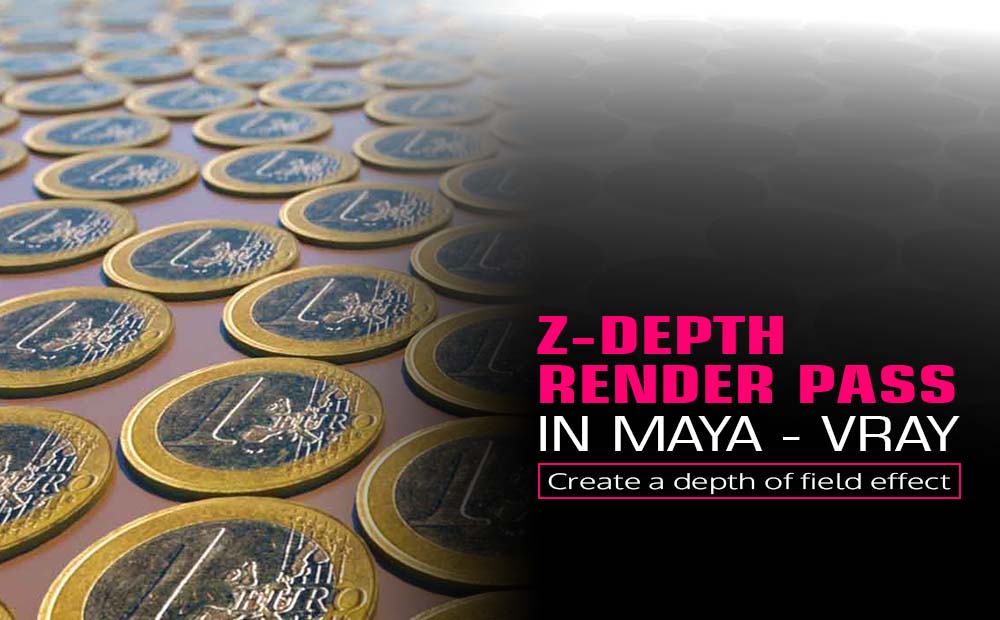
Z-depth render pass in Maya is really a great way to create depth-based effects in the post-production process, such as DOF or fog. We can use those effects for a more realistic or artistic look in our final image. In this article, we are going to focus on the DOF (depth of field) effect. We […]
Export separate light render pass in Maya with V-Ray renderer
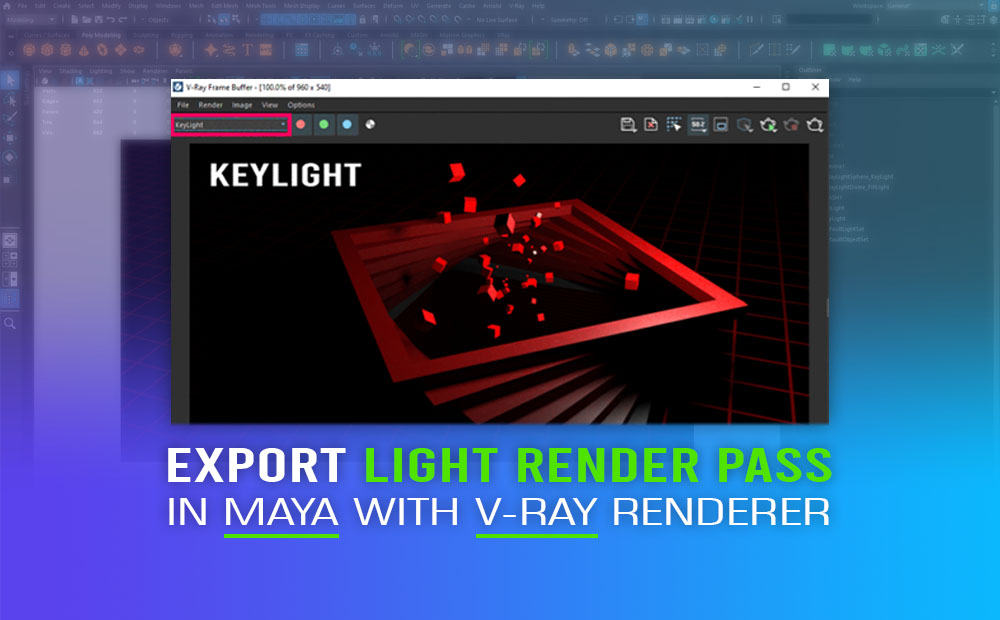
Export separate light render pass in Maya with V-ray renderer, in that way we have much more control over the lighting on our scene in Maya, during the post-production process to make all the extra adjustments we need, for fine-tuning our final output. Lighting is an essential part of any 3D scene. To put it […]
Free smooth skin weights tool in Maya (for fast and better results)
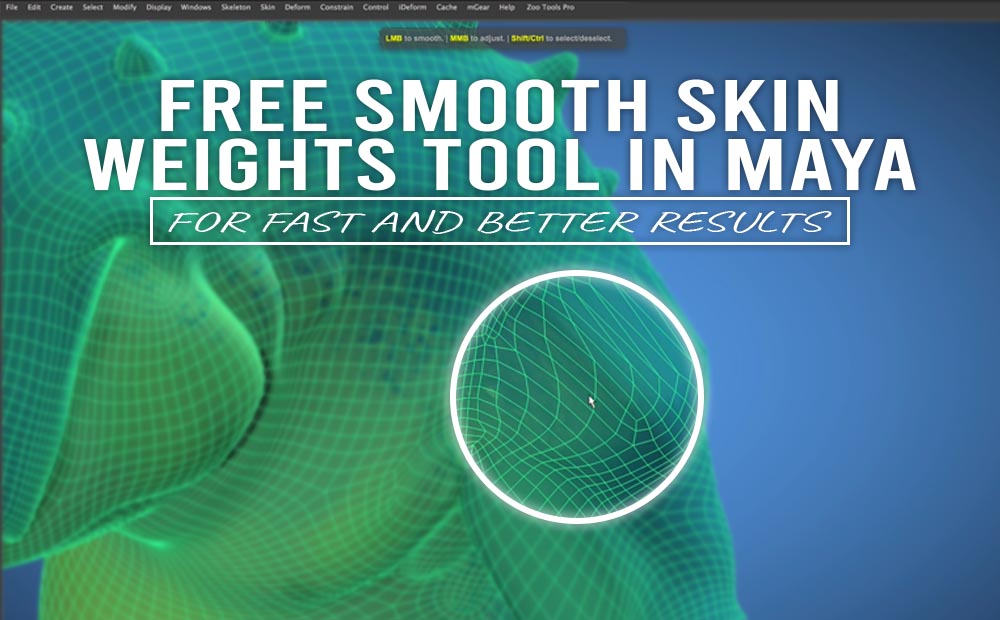
Free smooth skin weights tool in Maya, that you going to love. It really helps with the entire process of skinning in Maya. The tool that will make your life easier, when working in the skinning process in Maya is the brSmoothWeights. The mrSmoothWeights is going basically to help you refine and smooth your skin […]
Adding fonts to Photoshop on Windows
Adding fonts to Photoshop on a Windows operation system, even though is an easy way, many people can struggle how to do it. Adding interesting typography elements to your project it’s always a good idea, obviously for numerous reasons. If you are interested to add new unique fonts to your new Photoshop project, and you […]