
Convert a Video File to WebM format (Online)

There are plenty of online platforms to convert a video file format to a WebM one. Those platforms are extremely easy to use and are free most of the time for plenty of conversions per day (around 20), which is more than enough for most users. Through those platforms, we can also convert a video […]
How to Export WebM in After Effects with Media Encoder
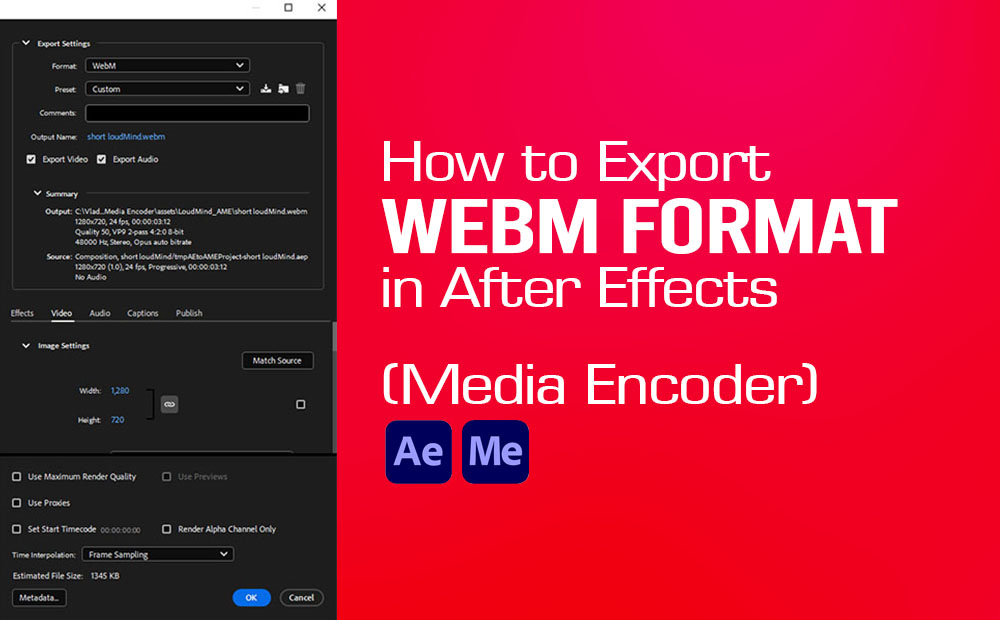
Exporting a Webm video format in After Efffects using Media Encoder requires a third-party plugin. The process is straightforward and it’s absolutely free. It’s for both Windows and Macintosh. The goal here is to export a composition in Webm video format from After Effects with Media Encoder. Adobe After Effects by default does not have […]
Batch Resize Images in Photoshop (Image Processor)
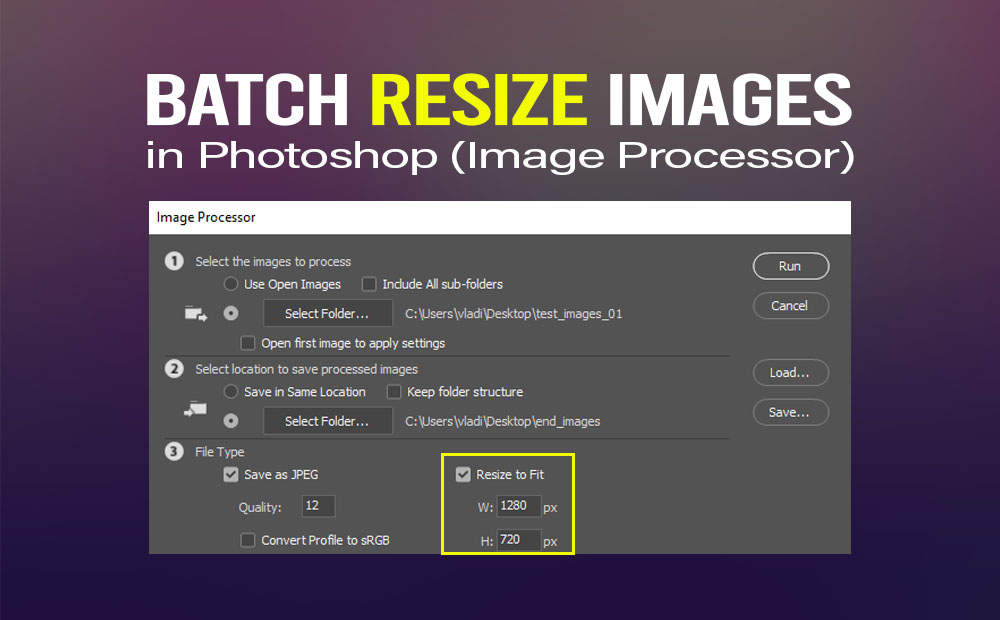
Batch resize images in Photoshop, with image processor build-in script, is the efficient way to do so. Without even opening images in Photoshop. How cool is that! Even though we have pretty much written about this method in a previous article, well at least in general speaking (how to export multiple images in Photoshop). Although, […]
Adding a Watermark to Multiple Images in Photoshop at once (Watermark 3 Free Plugin)
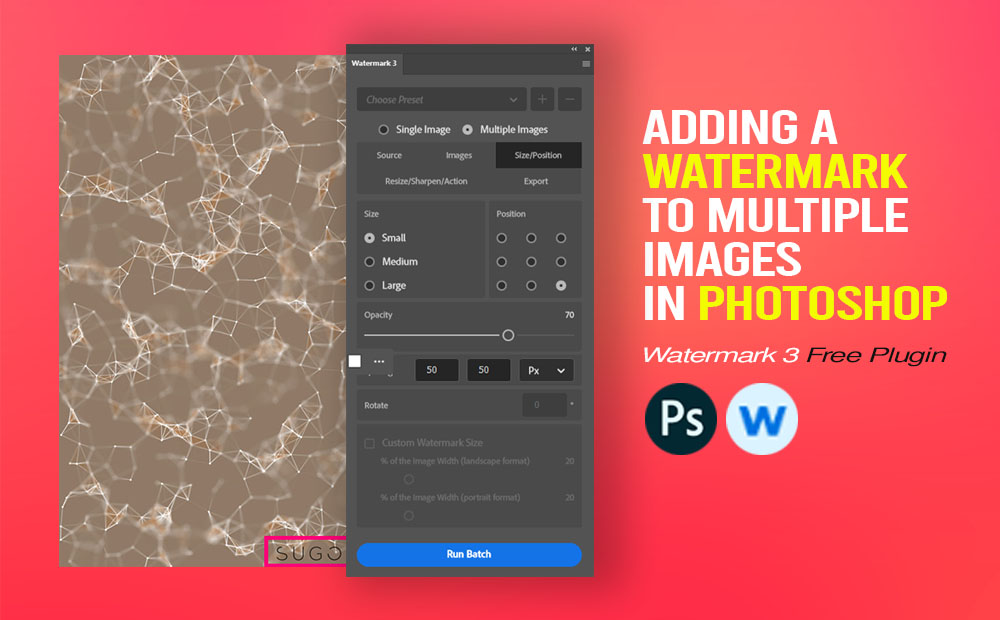
Adding a watermark to multiple images (bulk) in Photoshop has never been easier than now by using the Watermark 3 plugin. And the best part is free. You can download it from Adobe Cloud. It’s fast, efficient, and as we said it’s completely free. Of course, there is a Pro version (paid), with more capabilities […]
How to Open an MOGRT file in After Effects and Premiere Pro
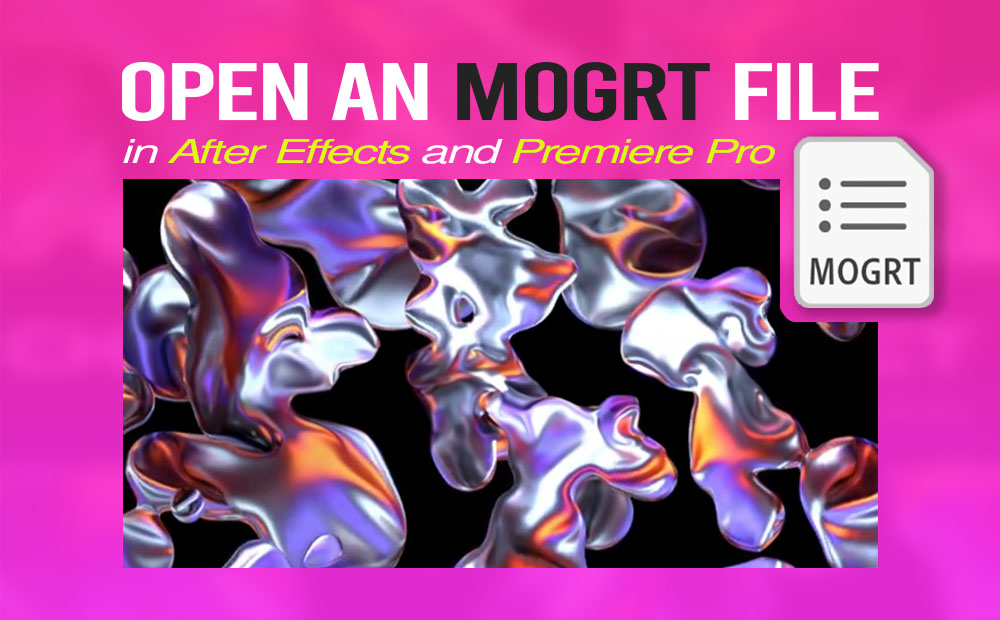
You have downloaded an amazing MOGRT file, and haven’t figured out yet how to open it in After Effects and Premiere Pro! Then this article is the right one for you. MOGRT stands for motion graphics template file, which can be created in After Effects and Premiere Pro. But most of the time created in […]
Using Generative Recolor in Adobe Illustrator (AI tool)
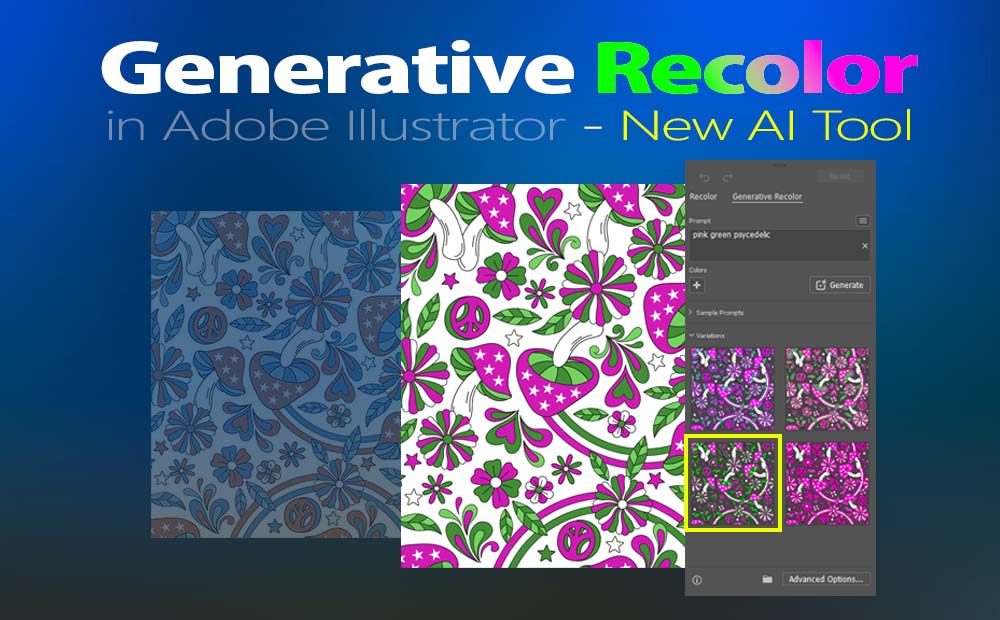
Using generative recolor in Illustrator is a really fast and funny way to recolor our outwork, like never before. Is a new AI tool, that is going to make our life easier. Even though at this point is not perfect, I am pretty sure giving it time, it will be much more efficient. Although I […]
How to export an Ambient Occlusion texture map from Zbrush
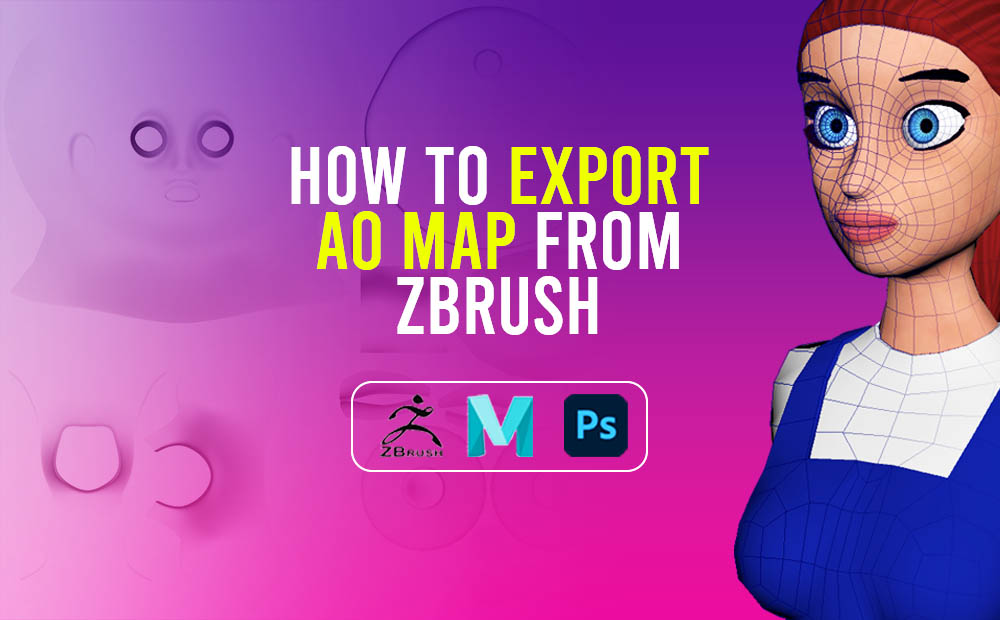
Exporting an ambient occlusion texture map from Zbrush and later on using that map to add more shadow details to your color texture map is a very good idea, and we should definitely have it under our belt. Ambient occlusion is a technique used to simulate subtle shadows that occur between nearby objects. Basically, is a […]
Rendering shadows on transparent background in Maya-Vray
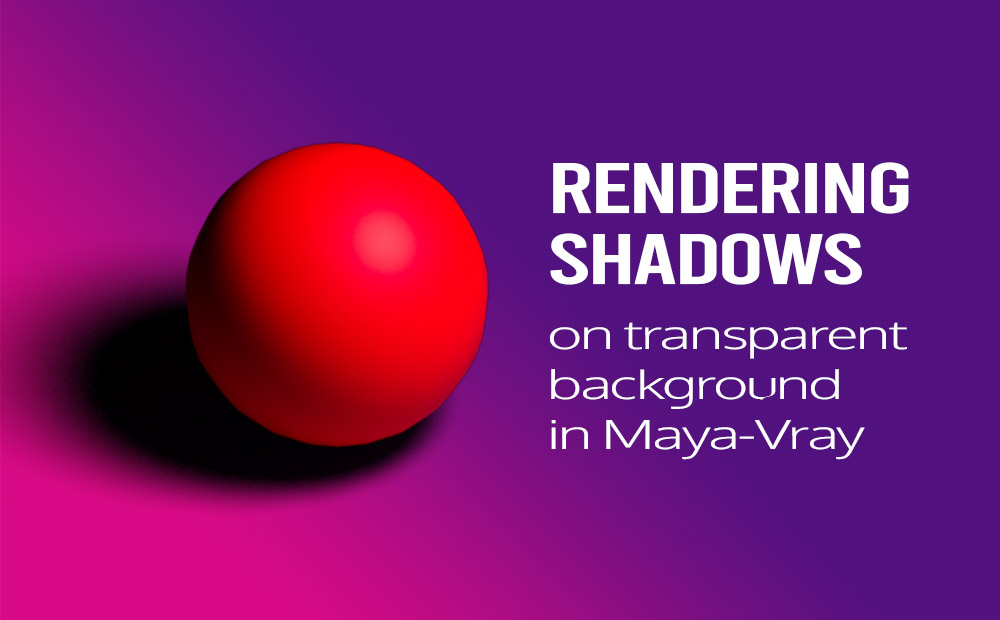
Rendering shadows on a transparent background is a must-skill when using Vray in Maya for a lot of reasons, and it’s a very simple method to accomplish. A transparent background or an alpha channel basically, is an essential render element in the 3D rendering process. It allows us to integrate our 3D models into real […]
Save-load selection in Photoshop (extremely useful)

Save-load selection in Photoshop is an extremely useful command, in so many situations I can think of. Basically, It’s a built-in command which can save us a lot of time. When we are using the same selection areas of an image for further edit manipulations. In order to edit-manipulate a picture with precision in Photoshop, […]
Convert texture to geometry in Maya
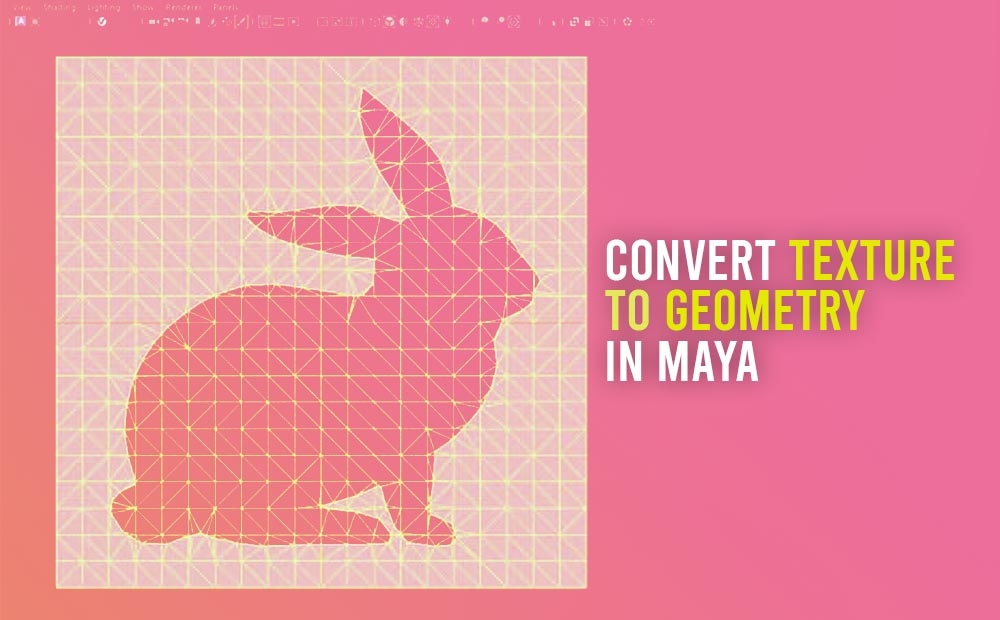
Converting a texture to geometry in Maya is an interesting technique we should definitely need to grasp, cause it saves us a lot of time, in the modeling process. The command is through Modify – Convert – Texture to Geometry. This technique allows us to apply an image texture to a plane geometry and then […]
How to create a custom pattern in Illustrator
How to create a custom pattern in Illustrator with a few simple steps. Patterns basically are essential to any graphics-related professional. They are quite straightforward to create, and we should definitely have them under our creative belt. If you are interested in how to create a pattern in Adobe Photoshop, you should check a previous […]